
Nexa SDK logo

Nexa SDK

The SDK handles on-device AI inference by routing model execution through three distinct hardware backends

When you initialize a model, it automatically detects available computational resources and assigns workloads to NPU, GPU, or CPU based on hardware capabilities and model requirements. This abstraction layer means the…

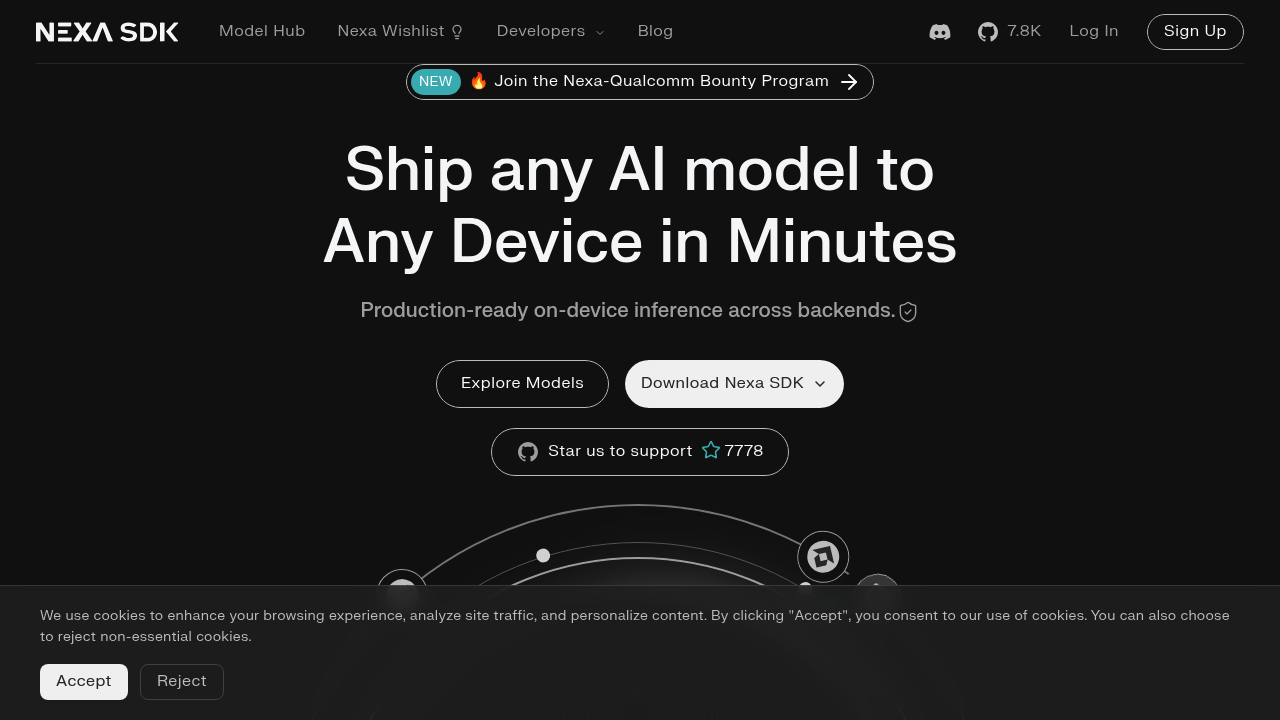
Nexa SDK screenshot

The SDK handles on-device AI inference by routing model execution through three distinct hardware backends. When you initialize a model, it automatically detects available computational resources and assigns workloads to NPU, GPU, or CPU based on hardware capabilities and model requirements. This abstraction layer means the same code runs across different platforms without modification.

Setup takes under 60 seconds. One command in terminal loads and executes models.

The system supports GGUF and MLX model formats, which are quantized representations that reduce memory footprint while maintaining inference quality. Models run entirely on-device with no server calls. This architecture keeps data local and eliminates network latency but requires sufficient device memory and processing power for larger models.

The SDK includes specialized pipelines for different task types. Real-time object detection processes video frames through convolutional layers optimized for edge devices. The multilingual translation system handles neural machine translation across language pairs without cloud dependencies. Visual search embeds images into vector space for similarity matching. OCR extracts text from documents and natural scenes using recognition models tuned for mobile hardware.

Speech recognition converts audio to text on-device through automatic speech recognition models. Text reranking scores document relevance without external APIs. Vision-language-action models combine visual input with language understanding for robotics applications. Embedding models generate vector representations for semantic search.

Platform support spans CLI tools, Python libraries, Android applications, and Linux systems. The Android implementation's particularly relevant since it enables mobile deployment without backend infrastructure.

The technical constraint is hardware dependency with performance scales directly with device capabilities. NPU acceleration delivers the best efficiency but isn't available on all devices. CPU fallback works universally but runs slower. Model size directly impacts memory requirements and inference speed. Larger models won't run on resource-constrained devices regardless of optimization.

Nexa SDK alternatives

See all →

Frequently asked

7 questions
How do I run AI models locally with Nexa SDK?
The SDK provides a one-line command interface that loads and executes models directly in your terminal. After installation, which takes under 60 seconds, you can run any supported model without writing additional code. The system automatically detects whether your device has NPU, GPU, or CPU available and routes inference through the appropriate backend. Models run entirely on-device with no server calls required.
Does Nexa SDK work on mobile devices?
The SDK includes native Android support for deploying models on mobile hardware. It handles the same backend detection and routing on mobile as it does on desktop, utilizing available NPUs on supported devices or falling back to GPU or CPU. This enables you to ship AI features in mobile apps without backend infrastructure, though performance depends heavily on the device's computational resources.
What model formats does Nexa SDK support?
The SDK works with GGUF and MLX model formats, both of which are quantized representations that compress models for edge deployment. These formats reduce memory footprint while maintaining inference quality, making it possible to run larger models on resource-constrained devices. The quantization trades some precision for significantly smaller model sizes and faster inference on local hardware.
Is Nexa SDK free to use?
No pricing information is available for the SDK itself. The platform advertises setup in under 60 seconds and one-line model execution, but doesn't specify whether this is an open-source tool, freemium service, or commercial product. There's a partnership with Qualcomm mentioned for a bounty program, but no details on licensing or cost structure.
Can Nexa SDK run vision and language models together?
The SDK includes vision-language-action models that combine visual input with language understanding, primarily designed for robotics applications. It also supports separate pipelines for visual search, OCR, and multimodal models. These run on-device through the same backend routing system, but combining multiple model types simultaneously will multiply memory and processing requirements.
What happens if my device doesn't have enough memory for a model?
Model size directly impacts memory requirements, and larger models simply won't run on devices with insufficient RAM regardless of optimization. The SDK can route inference to CPU instead of NPU or GPU, which might use memory more efficiently but runs slower. There's no automatic model compression or streaming inference mentioned, so you're constrained by your device's physical memory limits and need to select appropriately sized models.
How does Nexa SDK handle speech recognition on-device?
The automatic speech recognition pipeline converts audio to text entirely on-device using models optimized for local hardware. Audio input flows through the same backend detection system, processing on NPU, GPU, or CPU depending on availability. This eliminates network latency and keeps voice data local, but inference speed scales with your device's computational power and the selected model size.

Traffic

Estimated monthly website visits · last 0 months

Not enough historical data for a chart yet.

Reviews (0)

Write review

No reviews yet. Be the first to share your experience.