
Mio – Your AI Phone Assistant logo

Mio – Your AI Phone Assistant

Phone calls suck

37 views
Visit mio.gg
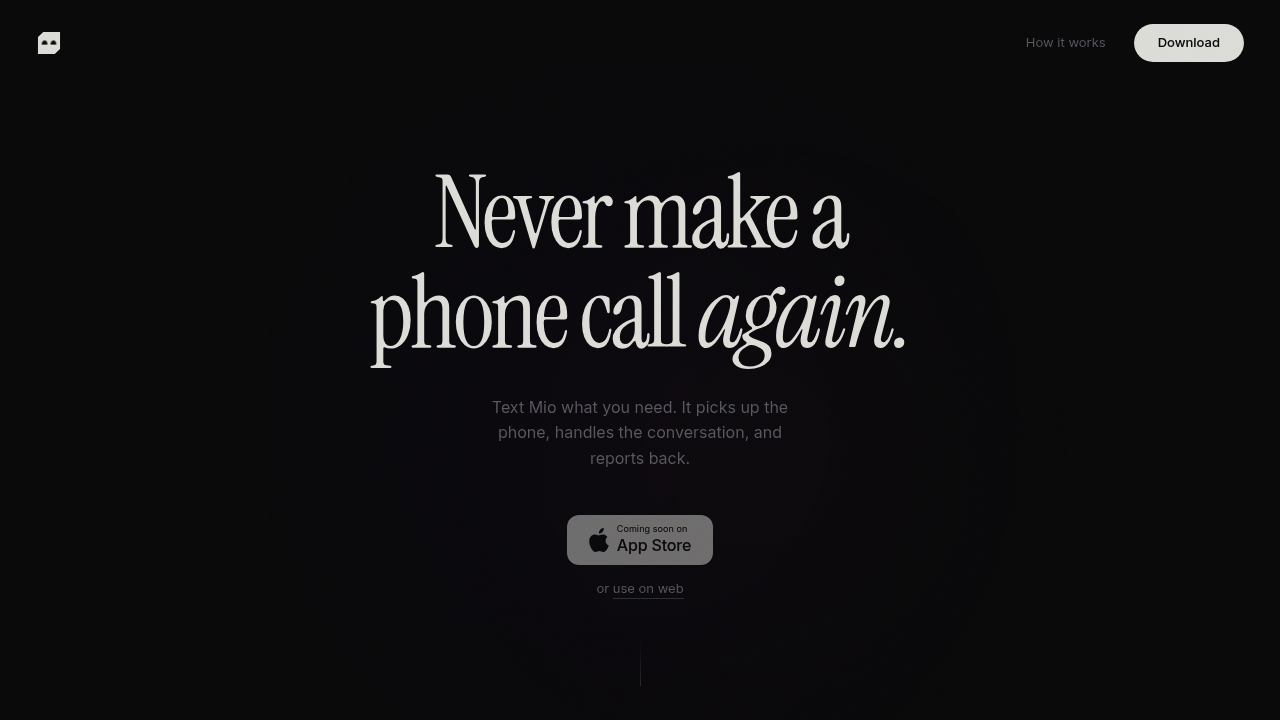
Mio – Your AI Phone Assistant screenshot

Phone calls suck. Mio takes care of them instead.

Send a text about what needs doing—Mio makes the call for you. It pushes through phone trees. Sits on hold. Talks to real people and adjusts the conversation as things unfold. Afterward, you'll get a clean summary (what got discussed, what's happening next). Your caller ID appears on the recipient's phone—doesn't look like some random service reaching out.

Works in reverse too. Forward incoming calls to Mio and it picks up. Takes messages. Confirms appointments. Blocks spam calls. The AI remembers your contacts and the places you call regularly, plus your preferences—so you won't need to repeat yourself constantly. Status updates let you know when it's ringing, when it connects, or when it's stuck on hold.

Busy parent? Text Mio at midnight to reschedule a dentist appointment for Tuesday at 3pm. The call goes out automatically at 9am the next morning. No sitting on hold during your workday. Mio handles 70-plus languages—matters when you're dealing with service providers who don't speak English as their first language.

You're charged only for actual conversation time. Hold time doesn't count toward your bill. Menu navigation doesn't either. Neither does ringing. Sign up and you'll get five bucks in free credit to test things out. Card isn't required.

The catch? It's purely phone-based. Don't expect calendar integrations. No connections to your existing productivity tools. Mio exists in your text messages and on phone lines.


Frequently asked

7 questions
How much does Mio cost?
You get $5 in free credit when you sign up, and no credit card is required to start. After that, you're only charged for actual conversation time—hold time, navigating phone menus, and ringing don't count toward your bill.
What languages does Mio support?
Mio works in over 70 languages. This comes in handy when you're dealing with service providers or businesses where English isn't the primary language.
Can Mio answer incoming calls for me?
Yes, you can forward incoming calls to Mio and it'll pick up for you. It takes messages, confirms appointments, and even blocks spam calls so you don't have to deal with them.
Does Mio use my phone number when calling?
Yep, Mio shows your caller ID when making calls on your behalf. The person or business you're calling sees your number, not some random service number.
What can't Mio do?
Mio doesn't integrate with calendars or productivity tools—it lives entirely in your text messages and phone calls. If you need automatic calendar syncing or connections to other apps, you'll have to handle that part yourself.
Can I schedule Mio to make calls at specific times?
Absolutely. You can text Mio at any time and schedule it to make the call later—like texting at midnight to book an appointment that Mio calls about at 9am. Really helpful for avoiding hold times during your busy hours.
What's the best use case for Mio?
It's perfect for people who hate making routine phone calls like scheduling doctor's appointments, calling utilities, or dealing with customer service lines. If you'd rather text instructions than sit on hold for 20 minutes, Mio's built for you.

Traffic

Estimated monthly website visits · last 0 months

136 visits/mo
Monthly visits
136

Not enough historical data for a chart yet.

Data from SimilarWeb · Updated monthly.

Reviews (0)

Write review

No reviews yet. Be the first to share your experience.

Similar tools

See all →