
Kolors AI logo

Kolors AI

Getting professional design work done usually means bouncing between Photoshop, hiring freelancers, or wrestling with templates that almost fit your needs

46 views
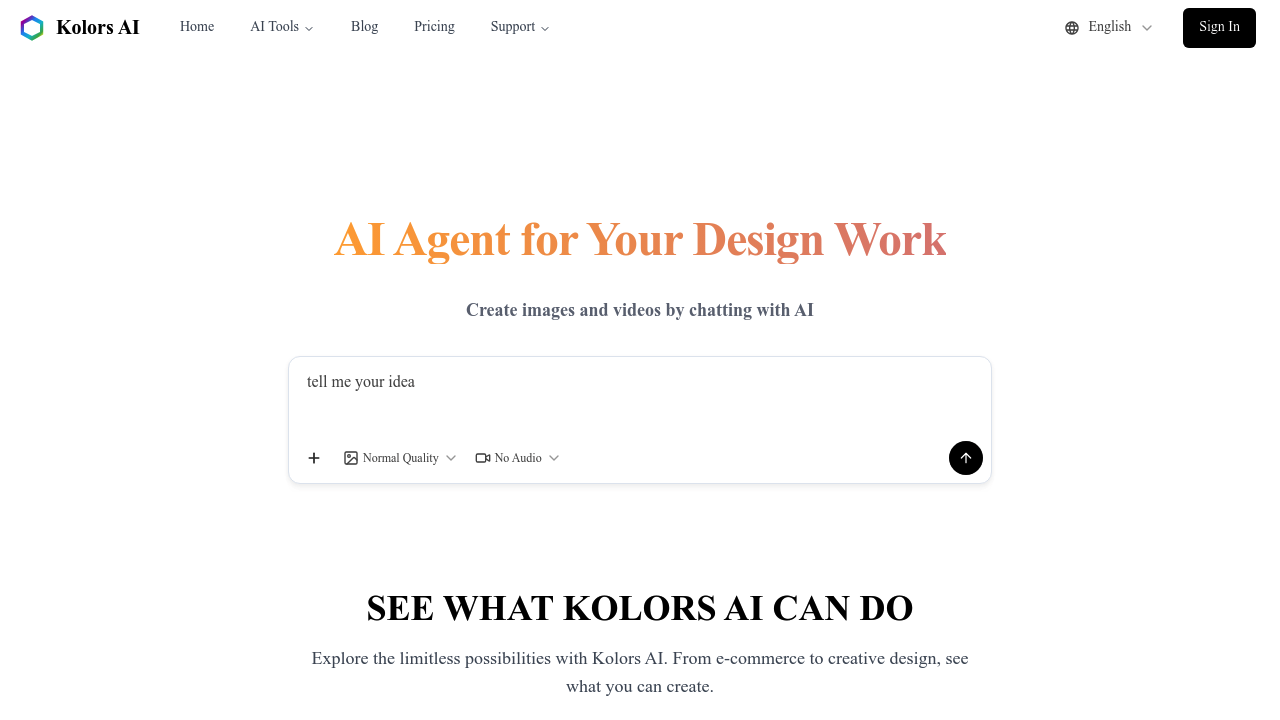
Kolors AI screenshot

Getting professional design work done usually means bouncing between Photoshop, hiring freelancers, or wrestling with templates that almost fit your needs. Kolors AI tackles this differently—you describe what you want in a chat. It handles the actual design execution.

It operates through conversation. Tell it to replace a product background. Ask it to put your jewelry on a model in a specific setting. Request a restaurant poster with particular styling. It accepts image attachments too (so you can reference existing photos while explaining edits). An e-commerce manager could upload a product shot and ask for three different lifestyle scenes—virtual models wearing the item in various settings.

The feature list runs deep. Product photography tools handle background replacement and text overlay while keeping transparent backgrounds intact. Virtual try-on lets shoppers see clothes on models. There's floor plan conversion into 3D renderings. Comic translation and coloring exist. Logo generation works in minimalist styles. The cross-section drawing feature produces technical diagrams with industrial annotations—the kind that'd normally require specialized software.

What makes Kolors AI different? The AI agent planning system. It analyzes your request first. Builds a design strategy before executing. You aren't just getting single-function tools here. You're describing complex multi-step projects in plain language.

The interface won't suit designers who prefer manual control over every pixel. But for product photographers needing quick variations—or marketers cranking out promotional materials—the conversational approach beats learning another design platform. You talk. It builds.

Frequently asked

7 questions
Is Kolors AI free to use?
Yes, Kolors AI is currently free. You can access all its features—from product photography to logo design—without paying. There's no mention of premium tiers or trial periods, so you're getting the full tool at no cost.
What can I use Kolors AI for?
It's great for e-commerce product shots, marketing materials, and design projects you'd normally outsource. You can swap product backgrounds, put jewelry on virtual models, create restaurant posters, generate logos, or even turn floor plans into 3D renderings. Think of it as a design assistant that handles tasks you'd typically need Photoshop or a freelancer for.
How does Kolors AI work?
You chat with it like you're texting a designer. Describe what you need in plain language, attach reference images if you want, and it figures out the steps to make it happen. The AI planning system breaks down your request into a design strategy before actually creating anything.
Can Kolors AI edit existing photos?
Absolutely. Upload your photo and ask it to remove people, change facial expressions, swap backgrounds, or replace clothing. It works through conversation, so you can refine edits by describing what needs tweaking rather than using manual editing tools.
Does Kolors AI require design experience?
Nope, that's the whole point. You just describe what you want instead of learning design software. It's built for people who need professional results without the technical skills—marketers, product sellers, restaurant owners who'd rather talk than tinker with layers and masks.
What are the limitations of Kolors AI?
If you're a designer who needs pixel-perfect control over every detail, you'll find it frustrating. The conversational interface trades manual precision for speed and simplicity. You're directing the AI rather than controlling every element yourself, which won't work for everyone's workflow.
Can I create product photos with models using Kolors AI?
Yes, the virtual model feature does exactly that. Tell it what product you've got, describe the scene or environment you want, and it'll generate images with models wearing or using your product. It's handy for e-commerce listings when you don't have budget for photoshoots.

Reviews (0)

No reviews yet. Be the first to share your experience.

Similar tools

See all →