
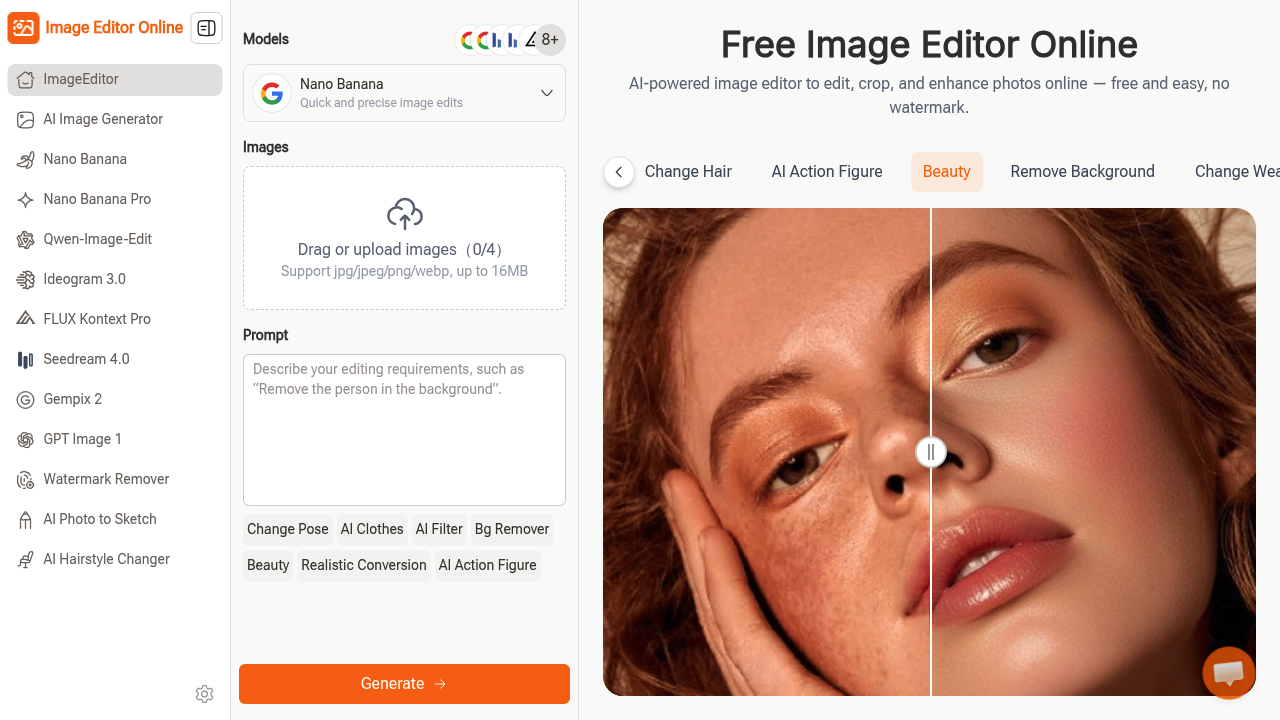
Browser-based photo editor that runs AI models through text prompts. Type what you want changed and it handles the technical work. No downloads, no tutorials, no subscription gates.
Eight AI models power the editing. Options include Nano Banana, Flux Kontext, Seedream, Ideogram 3.0, and Gempix 2. Each model handles different editing tasks, from background removal to style transfers. Users pick which model fits their need, then describe edits in plain language. The system generates results without requiring knowledge of layers, masks, or blend modes.
Feature set covers practical needs. Remove backgrounds, change clothes on subjects, adjust poses, swap hairstyles, alter weather conditions in photos, extract products from busy backgrounds, and strip watermarks. The beauty enhancement feature and realistic conversion features target portrait work. Photo-to-sketch conversion and action figure transformation lean creative. All outputs export without watermarks, which separates this from many free tools.
Resolution goes up to 4K. Aspect ratios include 16:9, 9:16, 4:3, 3:4, 1:1, and auto. Generate one to four images per session. Hundreds of pre-built prompts and styles sit ready if you'd rather not write custom instructions. The continuous editing workflow lets you refine results until satisfied, feeding outputs back through as inputs.
Limitations matter. File uploads cap at 16MB. Only jpg, jpeg, png, and webp formats work. Maximum four images upload at once, maximum four generate at once. These constraints won't block most users but could frustrate batch processors or anyone working with large format files.
The natural language interface cuts both ways. It's noticeably faster for simple edits than hunting through menus. But complex, precise adjustments might take multiple attempts to communicate correctly. AI interpretation varies. Sometimes you'll nail the result first try, sometimes you'll spend three rounds clarifying what "slightly warmer tones" means to the model.
Best fit for social media creators who need quick edits, educators making visual materials, marketers touching up product shots, and anyone allergic to Photoshop's learning curve. The free access with full-quality exports makes it viable for testing ideas without commitment.
Worst fit for professionals needing pixel-perfect control, anyone working with raw camera files, or users requiring advanced compositing. The 16MB limit blocks high-resolution commercial photography workflows. No API means no automation for volume work.
This editor delivers on its core promise. Free, no watermarks, fully usable. Whether AI editing through text prompts beats traditional tools depends entirely on your tolerance for interpretation variance versus menu navigation.