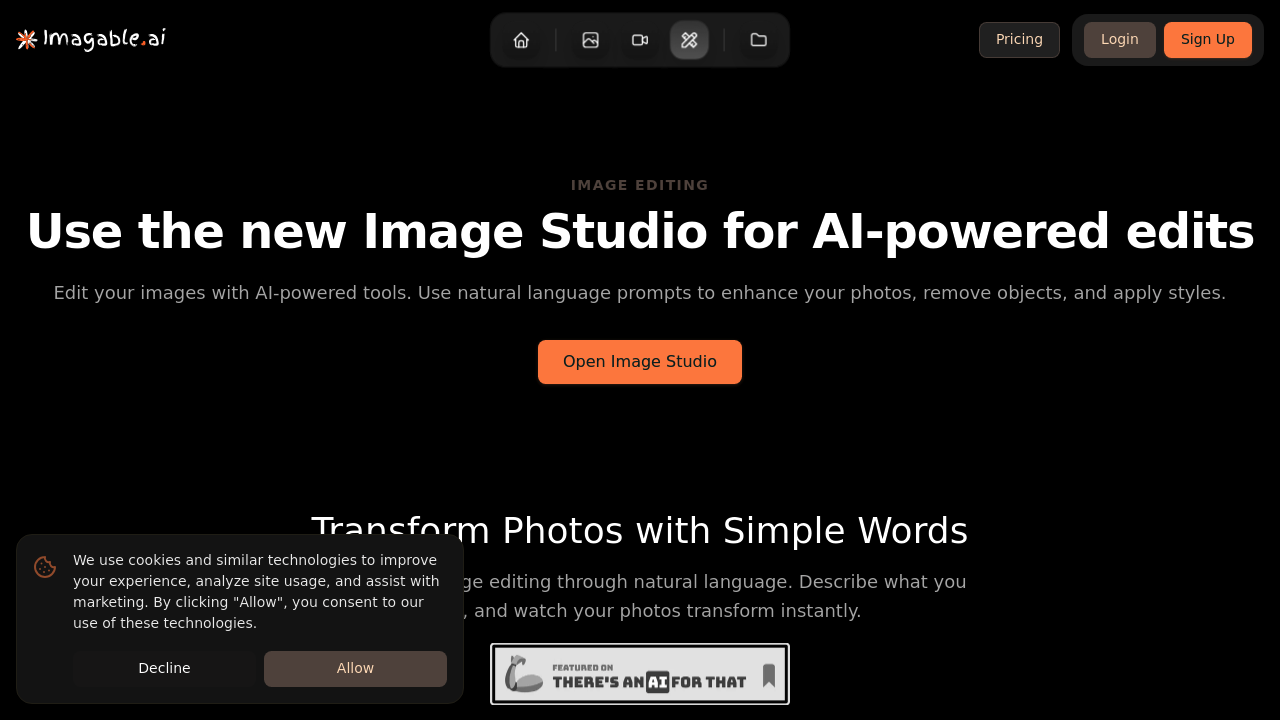
You land on a blank canvas with an upload button waiting for images. Drop in up to four photos at once and the interface shifts to a text box asking what you want done. The prompt field accepts anywhere from 10 to 2000 characters, which means you can be as brief as "remove background" or write detailed instructions like "replace the sky with sunset colors, soften the shadows on the left side, and boost saturation in the flowers."
Type your edit request and hit generate. The system processes your images and spits out variations based on your prompt. If you uploaded four images with the same instruction, you'll get four edited versions back. Each result appears as a preview you can download individually or grab the whole batch at once. Files come back as high-quality JPEGs, even if you uploaded PNGs or WebPs.
The editing capabilities stretch pretty wide. Object removal works for getting rid of unwanted elements in photos. Background replacement swaps scenery entirely. Color adjustments and lighting corrections handle the technical polish. Style transfers can reimagine images in different artistic directions. There's a virtual try-on feature specifically built for fashion and e-commerce businesses wanting to show products on models or in different contexts. Interior designers can visualize furniture and decor placements without physical staging.
Character consistency proves particularly unusual. Create an avatar or character once and the system maintains their appearance across multiple scenes. Useful for branding or storytelling where the same face or figure needs to appear in different settings without visual drift.
When edits fail or don't match expectations, a retry function lets you take another swing without starting over. Smart suggestions pop up to guide better prompt writing if the system thinks your instruction could be clearer. It's helpful when you're not sure how to phrase what you want.
The character limit on prompts gets restrictive if you're trying to describe complex multi-step edits. Ten characters minimum feels arbitrary since useful instructions rarely run that short anyway. The four-image cap means batch work stalls out fast if you're processing product catalogs or event photography. No way to save prompt templates either, so repetitive edits mean retyping the same instructions.
The interface stays clean but minimal. No layers, no manual adjustment sliders, no undo history. Everything runs through text prompts. Works great for people who hate traditional photo editing software but frustrates anyone wanting granular control after the AI makes its first pass.