
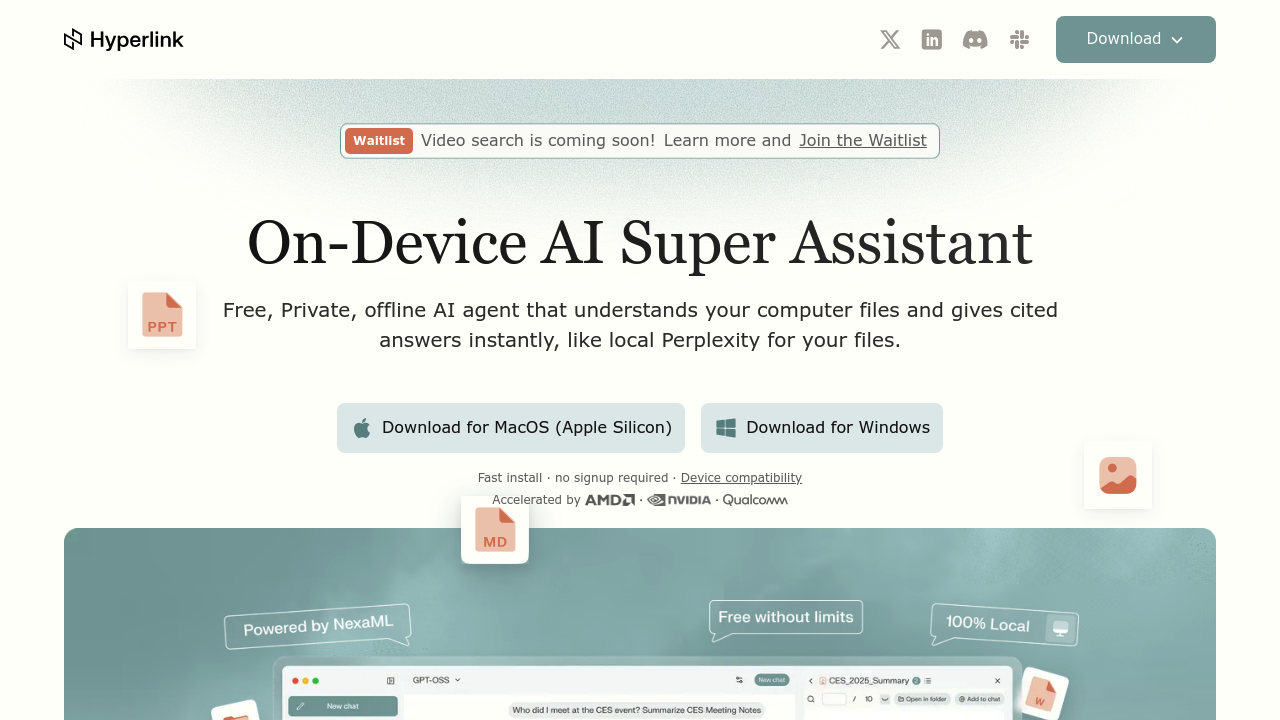
Most AI assistants process queries in the cloud, sending your files to remote servers. Hyperlink by Nexa AI takes the opposite approach. Everything runs on your computer. No internet required. No uploads. No cloud storage.
This tool functions as a local file search and analysis assistant that understands documents, notes, images, and screenshots already sitting on your machine. You ask questions in natural language, and it searches through thousands of synced files to provide answers with citations pointing back to specific sources. The technology behind this is agentic RAG, which means the AI does not just retrieve matching text but actually discovers insights by analyzing relationships across your file collection.
The visual knowledge extraction capability handles screenshots, scans, photos, and charts the same way it processes text documents. If you've got a flowchart buried in a folder from two years ago, Hyperlink can extract information from it when relevant to your query. The system indexes everything locally with automatic file syncing that monitors your chosen directories without requiring manual uploads or folder management.
Focus mode lets you narrow searches using @folder and @document targeting. Instead of searching your entire file library, you can point the AI at specific locations when you know roughly where information lives. This speeds up queries and reduces irrelevant results.
The model selection sets Hyperlink apart from typical local AI applications. Users get access to thousands of models including Gemma, GPT-OSS, Qwen, and Granite. Day-0 access to newly released models comes through Nexa ML integration, meaning you can run the latest language models the day they launch without waiting for third-party implementations. The software runs on NPU, GPU, or CPU hardware depending on what your computer offers. Qualcomm Hexagon NPU acceleration pushes performance to 80 TOPS on Snapdragon X Series chips.
The unlimited file context claim means exactly that. While cloud-based assistants typically cap how many documents you can analyze simultaneously, Hyperlink syncs and searches thousands of files limited only by your storage capacity. The company reports 3x faster local file indexing compared to general cloud agents.
Hyperlink ships as a completely free download. No signup forms. No account creation. No subscription tiers. Unlimited queries run on your own hardware with zero cloud costs. Every feature mentioned here comes included in that single free version.
The time savings numbers come from enterprise deployments. Teams report reclaiming over 10,000 hours monthly collectively, which breaks down to roughly 150 hours freed per employee each month. Individual users save approximately 500 hours annually according to company data.
The privacy model here matters for specific user groups. Legal teams handling confidential case files cannot risk cloud uploads. Medical researchers dealing with patient data face regulatory constraints. Financial analysts working with proprietary models need air-gapped solutions. Hyperlink addresses these scenarios by keeping everything local. Your files never leave your device. No telemetry. No data collection. The AI processes everything on-site.
The comparison to cloud alternatives focuses on control and context. General AI assistants provide generic answers pulled from training data. Hyperlink answers from your specific files. You get citations showing exactly which document and page contained the information. The interface design prioritizes consumer-grade usability rather than requiring technical configuration.
Teams benefit from the collective time savings when multiple members run Hyperlink on their individual machines, each maintaining private file libraries while using the same underlying technology. The system works for solo knowledge workers and distributed teams equally well.