
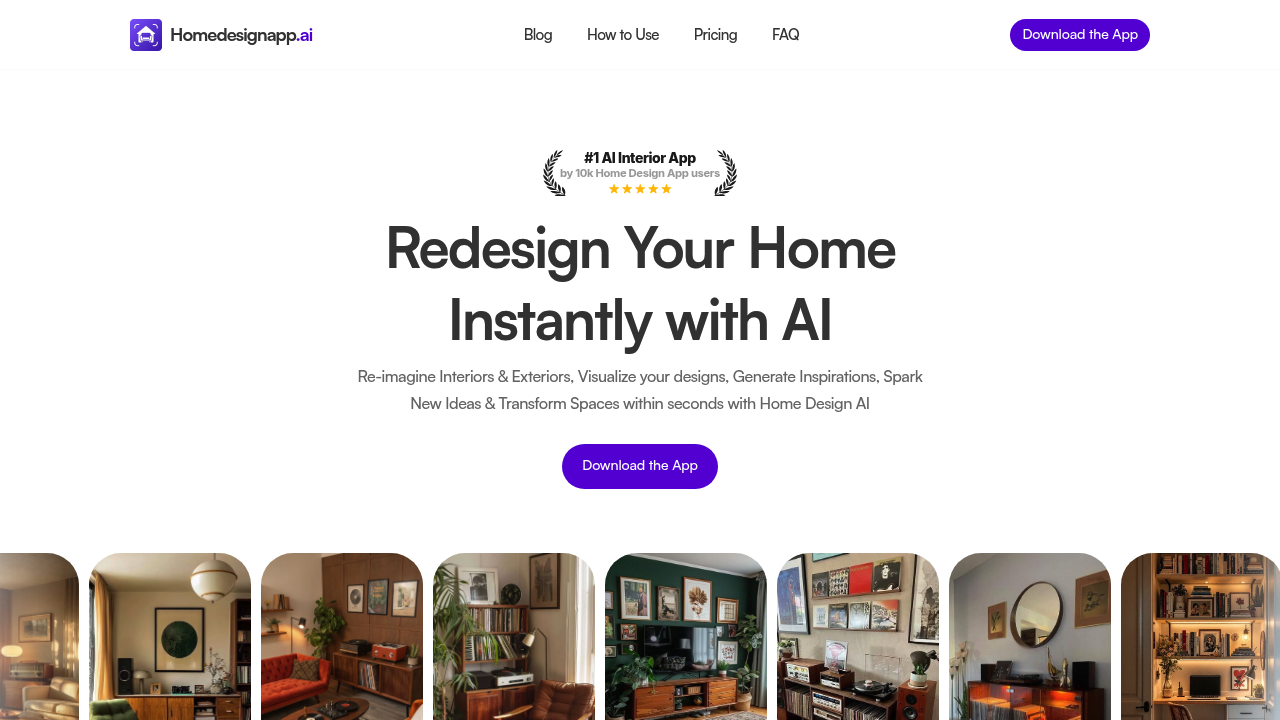
Opening Home Design AI drops you straight into a photo upload screen. You can snap a pic of your bedroom, living room, or kitchen right there or pull one from your camera roll. The app works for both interiors and exteriors, so garage facades and patios are fair game too.
After uploading, you pick a room type from a dropdown. Options include bedroom, home office, kitchen, and a handful of others. Then comes the style selection, where 25 plus design aesthetics sit in a scrollable grid. Modern, farmhouse, minimalist, industrial — the usual suspects. Each style shows a thumbnail preview. You also choose a color palette from curated schemes, which narrows down how bold or neutral the redesign will skew.
Hit generate and the AI redraws your space in seconds. Walls get repainted, furniture swaps in, lighting changes. The transformation happens fast enough that you can cycle through multiple styles without losing momentum. If you don't like the first result, you can regenerate or switch styles and try again.
The app also handles object removal. You can tap furniture or decor items in a photo and the AI erases them, filling in the background. This works better on simple objects than complex ones. Trying to remove a chandelier with detailed shadows sometimes leaves blurry patches.
Sketch conversion is another option. You draw rough room layouts or furniture placements on paper, photograph them, and the app interprets structural boundaries and textures to output a polished render. The feature struggles with messy handwriting or overlapping lines. If your sketch is too abstract, the AI guesses wildly and produces something unrelated to your intent.
Virtual staging pulls in digital furniture and decor into empty rooms, useful if you're prepping a house for sale. You can test different layouts without moving physical items around. The staged furniture looks realistic in well-lit photos but can appear flat or mismatched in dim lighting.
The app claims 10,000 users and markets itself as the number one AI interior design and room planner. That ranking doesn't specify which platform or criteria it's based on.
There's a try free option available, though the specifics of what's included in that tier versus what's paywalled aren't spelled out upfront. You'll discover limits as you use features, which can interrupt momentum mid-project. The app is mobile-only, no desktop version or browser extension.