Harmony AI Planner logo

Harmony AI Planner

54% of people admit work is their top priority. A bigger priority than their families, relationships, and personal health. We get it. It's hard. You have big goals. You're trying to provide for your

65 views
Harmony AI Planner screenshot

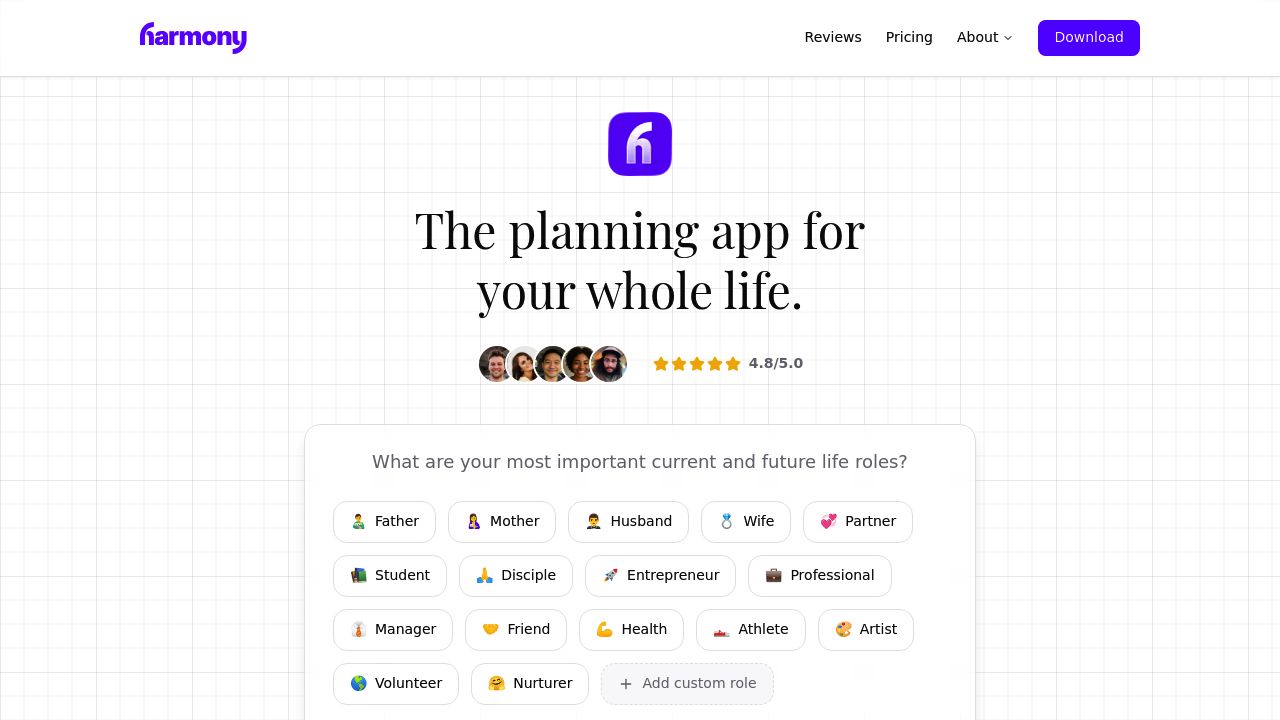
Most planning apps dump tasks on you without asking why you're doing them. Harmony AI Planner starts with your mission statement instead — the foundation that guides everything else. You go through a 10-minute AI-guided process. It includes imagining your own funeral to clarify what actually matters. Morbid but effective.

Planning happens around life roles rather than endless task lists. You might set up roles like Parent, Marketing Director, and Community Volunteer. Then assign 1-2 weekly goals to each. Say you're juggling a 70+ hour work week while trying to stay present for your kids — you'd block time for both your quarterly sales review and your daughter's soccer practice with equal weight.

Harmony syncs with Google Calendar. Creates native iOS alarms that cut through Do Not Disturb mode. The year-at-a-glance view shows progress across physical areas. Intellectual areas. Social and spiritual ones too.

AI suggests goals based on potential impact, though it's unclear how sophisticated these recommendations actually are. With only 27 ratings and a 4.8 score, there's not much user feedback to evaluate.

This works best for executive-level professionals who feel successful at work but scattered everywhere else. The role-based structure forces you to consider neglected areas of life. Unfortunately, it's iOS-only, which limits who can even try it. The concept beats another generic productivity app, but execution details remain thin.

Frequently asked

7 questions
How does the funeral exercise in Harmony AI Planner actually work?
It's a 10-minute setup where the AI walks you through imagining your own funeral -- sounds intense, but it works. You figure out what actually matters to you before diving into tasks or goals. This cuts through all the surface-level productivity stuff and gets you focused on things that align with your real purpose.
Can I use Harmony AI Planner on Android or just iPhone?
iPhone only right now -- which is pretty limiting. The app creates those native iOS alarms that'll wake you up even in Do Not Disturb mode. No word on Android or web versions coming.
How does role-based planning differ from regular task management apps?
You don't just dump everything into one massive list. Instead, you organize around life roles like Parent, Marketing Director, or Community Volunteer. Each role gets 1-2 weekly goals max -- so you're forced to balance work wins with personal stuff. Keeps work from eating your entire life.
What kind of AI goal suggestions does Harmony AI Planner provide?
The AI suggests goals based on potential impact, though it's not clear how smart these recommendations really are. With only 27 user ratings so far, there isn't enough feedback to know if these suggestions actually help in real life.
Does Harmony AI Planner integrate with other calendar apps besides Google Calendar?
Just Google Calendar for now -- no Outlook or Apple Calendar mentioned. It'll create native iOS alarms separately from your calendar app. Pretty limited to Google's ecosystem at the moment.
Who is Harmony AI Planner actually built for?
Executive-level professionals who're crushing it at work but feel scattered everywhere else. If you're pulling 70+ hour weeks but want to actually show up for family time, the role-based structure forces you to give equal weight to your quarterly sales review and your kid's soccer practice. Not great if you just need basic task management.
What does the year-at-a-glance view show in Harmony AI Planner?
The yearly overview shows your progress across different life areas -- physical, intellectual, social, and spiritual stuff. You get a bigger picture view instead of just work productivity metrics. Shows you which roles you've been neglecting over time.

Traffic

Estimated monthly website visits · last 0 months

Not enough historical data for a chart yet.

Data from SimilarWeb · Updated monthly.

Reviews (0)

Write review

No reviews yet. Be the first to share your experience.

Similar tools

See all →