
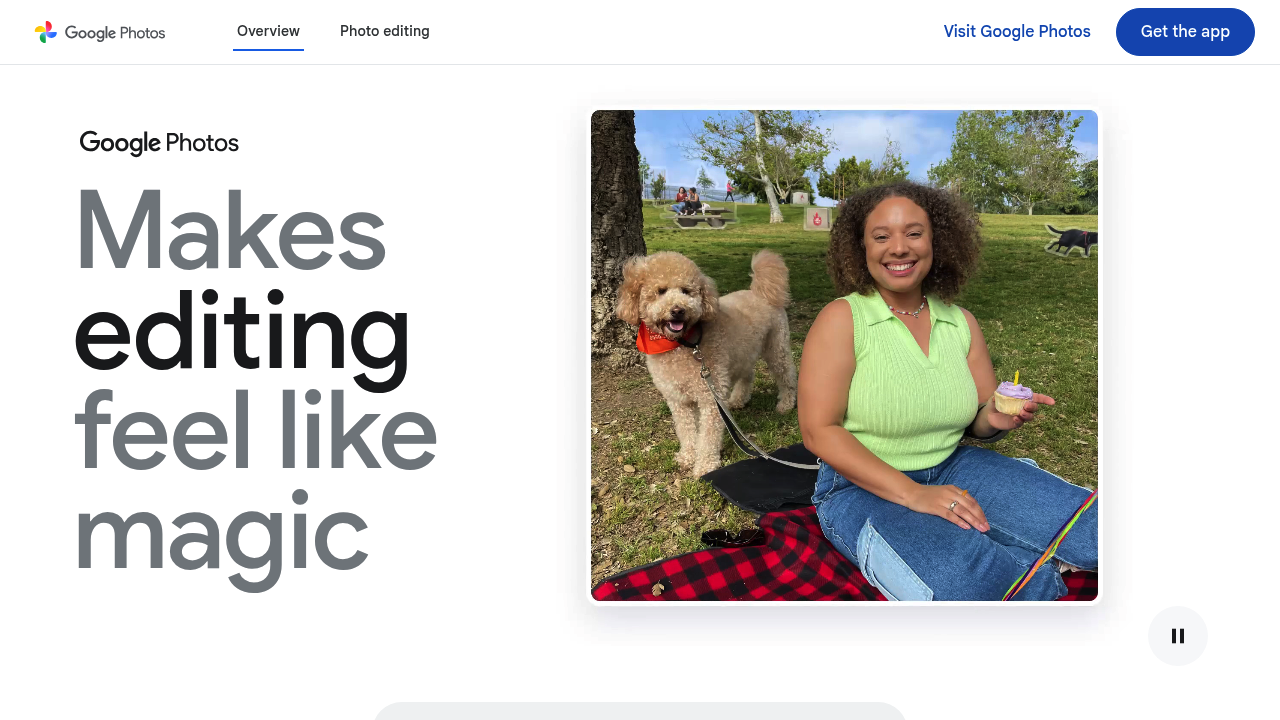
Google Photos is a photo and video app that backs up your library automatically, organizes it, and lets you search and edit it with AI. Every account includes 15 GB of storage at no cost, and extra space is available through Google One. Editing tools include Magic Eraser for removing distractions, Photo Unblur for sharpening shots, and a prompt-style editor where you describe a change and watch it appear.
The app suits anyone whose camera roll has outgrown manual sorting: parents with years of family pictures, travelers coming home with hundreds of shots, and casual photographers who want clean results without learning a professional editor. People switching between devices benefit from the sync, and iPhone owners can import their library and favorites during setup so photos upload to the app automatically. Families can share albums with contacts who do not use the app, or automatically share photos of chosen people and pets with a partner or trusted contact. Privacy-minded users get the option to delete or export everything, and the company states photos are not sold or used for ads.
Typical uses include searching for the best picture from each national park you have visited, finding every photo of a specific person or pet, or pulling up a place such as a city by name. Photo Stacks group near-duplicate shots, and receipts, screenshots and notes are sorted into their own albums so documents stay out of the way of memories. The Create tab turns a selfie into different styles, an action shot into a short video, or a trip into a collage. Albums and photos can be sent straight to apps such as WhatsApp and Snapchat, which makes sharing after an event quick.