
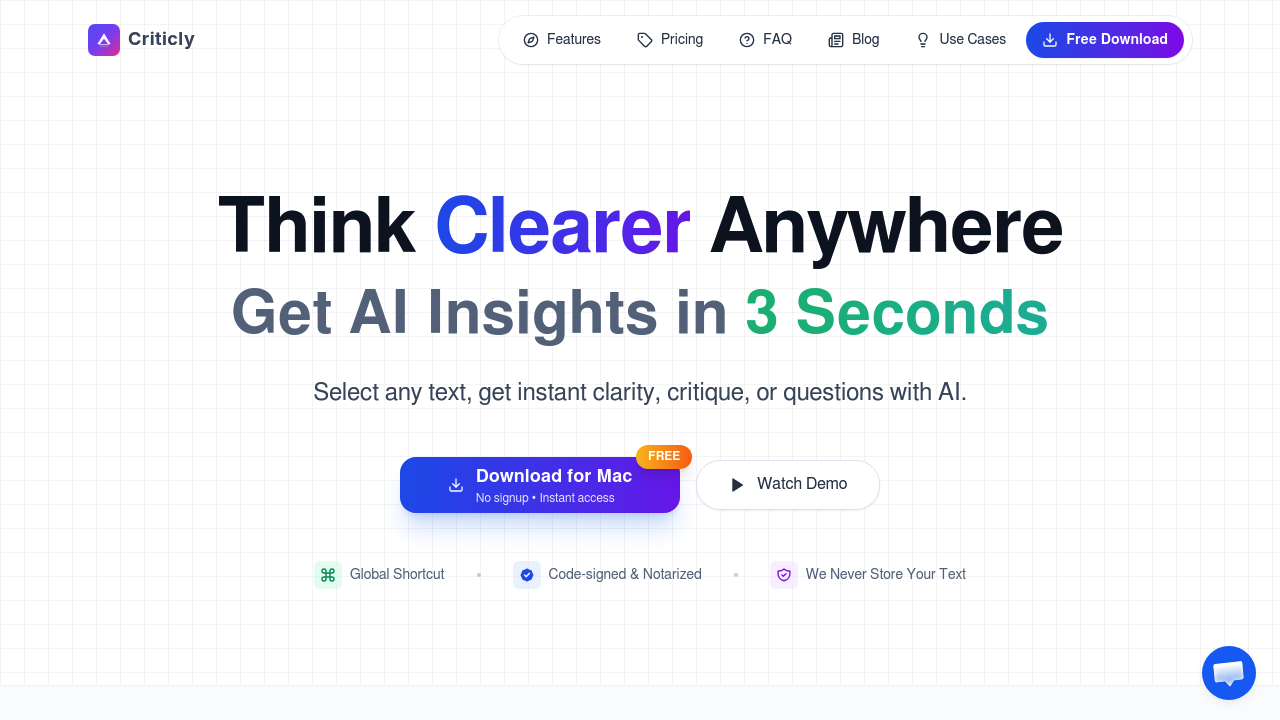
A product manager reads a 2,000-word competitive analysis email and needs to understand the core argument before her next meeting in 10 minutes. She highlights the text, hits ⌘⇧M, and selects "Distill" from Criticly. Three seconds later, she's got the reasoning structure stripped down to its skeleton. She picks "Counter" next and gets the opposing viewpoint the analyst didn't mention. She walks into the meeting prepared for both sides of the argument.
Criticly sits on your system waiting for that keyboard shortcut. Works anywhere you can select text — Gmail, Slack messages, Word documents, web pages in Chrome or Safari, even code in VS Code. You're not copying and pasting into another app or breaking your flow. Eight thinking tools appear when you trigger it: distill reasoning, evaluate logic, generate clarifying questions, present counterarguments, expand with depth and examples, summarize core ideas, explain from first principles, or create quiz flashcards. The interface shows three themes depending on whether you're working at 2 PM or 2 AM.
A researcher evaluating a scientific paper highlights a methodology section. She runs "Evaluate" and gets a critique of the logical structure. Then "Question" generates five clarifying questions she hadn't thought to ask. She's building her literature review faster because she's not doing all the critical thinking legwork manually. Criticly supports 10+ languages, so she can analyze papers in French or German without switching contexts.
A student preparing for exams highlights textbook passages and hits "Quiz" to generate flashcards instantly. He's turned passive reading into active recall prep. He runs "Explain" on complex concepts and gets first-principles breakdowns that make more sense than the textbook's jargon-heavy version.
Where this breaks: you need Windows 10+ or macOS 12+. No mobile version exists. A lawyer reviewing contracts on an iPad can't use it. Someone working entirely on Linux is out of luck. Criticly doesn't integrate with team workflows — you can't share your analysis or collaborate on the thinking process. It's a solo operation.
The free plan gives you 10 AI tool calls daily with no signup. That's enough for casual use but runs out fast if you're analyzing multiple documents. Monthly subscription costs $8.90 and removes the limit. The lifetime option at $25 one-time lets you bring your own AI key — you connect your own API access from providers you already use, and Criticly becomes just the interface. Text never gets stored on their servers. Seven-day refund available.
The "bring your own key" setup matters for anyone handling sensitive information. A legal consultant analyzing client communications can't have that text passing through third-party servers, even temporarily. With her own key, she controls where the data goes. The privacy-focused approach means code-signing and notarization are built in.
Who shouldn't use this: teams needing shared analysis workflows or collaborative features. Anyone working primarily on tablets or phones. People who want the AI to remember context from previous sessions — each interaction stands alone. Writers looking for long-form content generation won't find that here. These features focus on analysis and critical thinking, not creation. You're breaking down existing text, not building new documents from scratch.