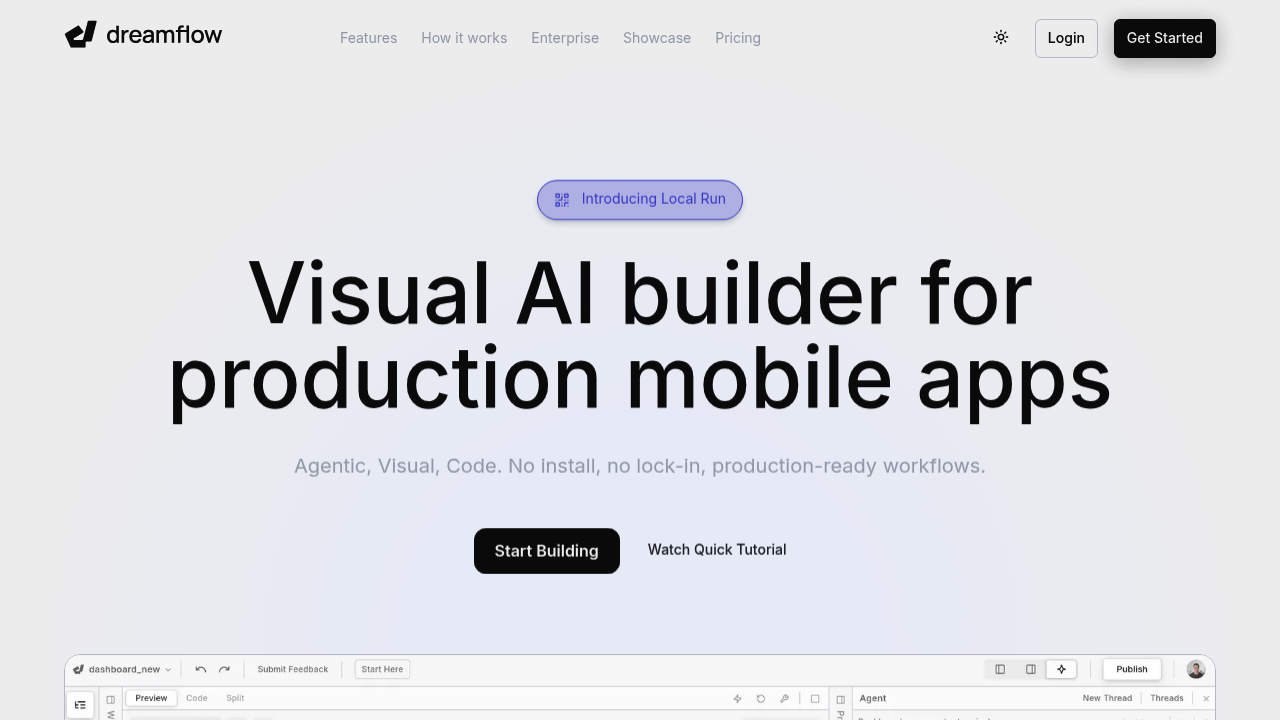
Dreamflow brings AI-powered app building to production-ready Flutter development through what the team calls tri-surface editing. This approach lets builders switch between AI prompts, a visual canvas, and direct code editing while keeping everything synchronized. Change something in code and the visual representation updates. Adjust a component on the canvas and the code reflects it immediately. Describe what you want through AI and both the visual layout and underlying code adapt. The system comes from the team behind FlutterFlow, which has attracted over 2 million builders to date.
The AI generation works with context awareness rather than treating each prompt as isolated. It understands Flutter patterns and best practices, so generated code follows conventions that experienced Flutter developers would recognize. When you ask for a login screen or payment flow, the system considers responsive design requirements automatically, adapting layouts for different screen sizes without separate instructions for each device type.
Backend integration comes pre-configured for Firebase and Supabase. You don't configure authentication flows or database connections from scratch. The managed integrations handle common setup tasks, letting builders focus on app-specific logic rather than infrastructure. Once development reaches deployment stage, Dreamflow handles distribution to the App Store, Play Store, and web platforms through single-click publishing.
The free plan provides 10 AI credits as a one-time allocation for getting started. It comes with private project creation with both visual and code editing capabilities, the managed backend integrations, and deployment exclusively to web. Mobile deployment requires a paid plan. Code export isn't available on free either. Neither is running apps locally on simulators or physical devices for testing.
Hobby tier costs $20 monthly and includes 100 credits per month. This enables deployment to iOS and Android app stores, full code export, and local testing on simulators and actual devices. Unlimited private projects come standard. The credit allocation resets monthly rather than accumulating.
Pro tier runs $90 monthly with 500 credits per month. It adds version control through Git integration, which Hobby and Free users can't access. Priority access to premium AI models also differentiates Pro from lower tiers. Everything from Hobby carries over.
Enterprise pricing follows custom arrangements. This tier adds dedicated support, onboarding assistance, advanced access control for larger teams, the ability to bring your own AI models rather than using Dreamflow's defaults, SLA guarantees with uptime commitments, and private cloud deployment options for organizations with specific infrastructure requirements.
The credit system governs AI generation usage across all tiers. Ten credits on Free won't support extended development. Hobby's 100 monthly credits suit individuals building side projects or testing MVPs. Pro's 500 credits target more intensive usage from founders running multiple experiments or small teams collaborating on a single platform.
The visual canvas handles layout and component arrangement. The code editor provides full Flutter access for developers who want granular control. The AI prompt interface serves builders who prefer describing desired functionality in natural language. All three stay synchronized regardless of which surface initiated a change. This matters most when teams include both developers comfortable with code and non-technical members who prefer visual tools. Everyone works on the same project without translation layers or import-export cycles.
Flutter's cross-platform foundation means apps built in Dreamflow run natively on iOS and Android from a single codebase. Responsive behavior adapts automatically to tablets, phones, and web browsers without maintaining separate versions.