
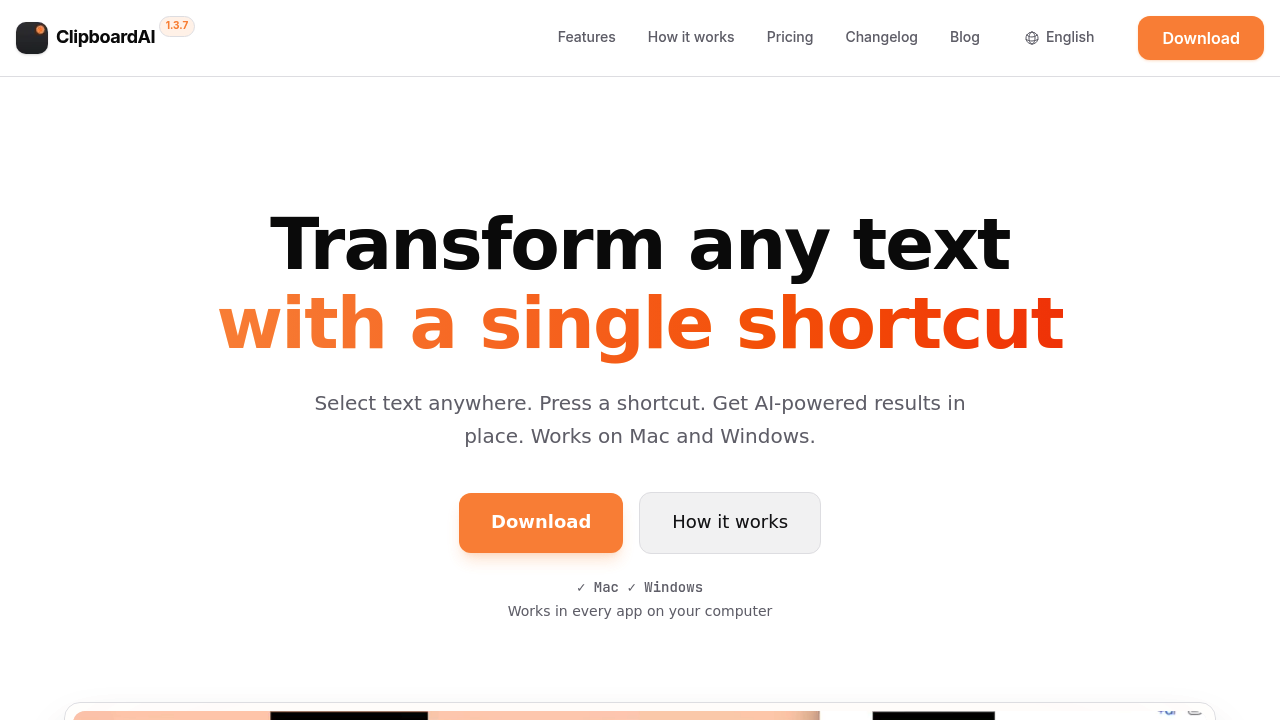
Select text anywhere on your Mac or Windows machine, hit a keyboard shortcut, and watch AI transform it right there. No copying to a separate app. No browser tabs. ClipboardAI runs prompts on whatever text you've highlighted and drops the result back in place.
Works in Notion, Slack, VS Code, X, your email client, basically any application where you can select text. You're not installing integrations or switching contexts. Highlight a paragraph in your CRM notes and run a summarization prompt. Select code comments and expand them into documentation. The desktop app intercepts your selection and handles the AI processing without you leaving the original application.
You bring your own API key from OpenAI or OpenRouter. That means direct access to over 200 models including the latest language models from major providers. ClipboardAI doesn't store your requests or route them through proprietary servers. Your prompt goes straight to the AI provider. Privacy stays intact.
The custom prompt creation matters here. You're not limited to generic rewrite or summarize commands. Build prompts for your specific workflows. A support team might create shortcuts for tone adjustment and issue classification. Developers could set up prompts for code review comments or documentation generation. Writers might configure style transformation and fact checking. The keyboard shortcuts make these custom actions instant.
Setup takes about two minutes according to their claims. Install the desktop app, add your API key, configure your shortcuts. You're paying API costs directly to OpenAI or OpenRouter with zero markup from ClipboardAI. That's unusual. Most AI writing assistants bundle API costs into subscription pricing and take a cut.
Now the gaps. This only works on desktop. Nothing for mobile. You need to manage your own API key and monitor your usage costs separately. Some users want everything bundled into one predictable monthly price. ClipboardAI makes you handle the API relationship yourself. That's flexibility for power users but friction for casual ones.
The keyboard-first approach isn't for everyone either. You're memorizing shortcuts and building muscle memory. If you prefer clicking through menus or want visual interfaces, this feels sparse. Fast, yes. But minimal.
The launch offer sits at $29 for lifetime access. Regular price jumps to $49. One-time payment covers the desktop app forever. You still pay your AI provider separately for actual usage. The seven-day free trial lets you test the workflow before committing. For someone running dozens of AI prompts daily across multiple applications, twenty-nine bucks is negligible compared to monthly subscriptions elsewhere. For occasional users who might spend $2 monthly on API calls, the value calculation shifts.
Developers and writers who live in their text editors benefit most. Support teams handling repetitive customer communication. Consultants who need quick text transformations across email, documents, and project management tools. Anyone allergic to context switching.
The universal text selection approach solves a real problem. You don't need a separate browser tab or standalone writing assistant panel. Your workflow stays where it already lives. You're just adding AI capabilities to existing text interactions.
Version 1.3.7 suggests active development. The model selection spans mainstream providers and smaller open source options through OpenRouter. Language support is universal since it's working with text selection at the system level.
This isn't a replacement for deep research or complex document generation. It's speed optimization for text you're already working with. Short bursts of AI assistance without breaking concentration.
