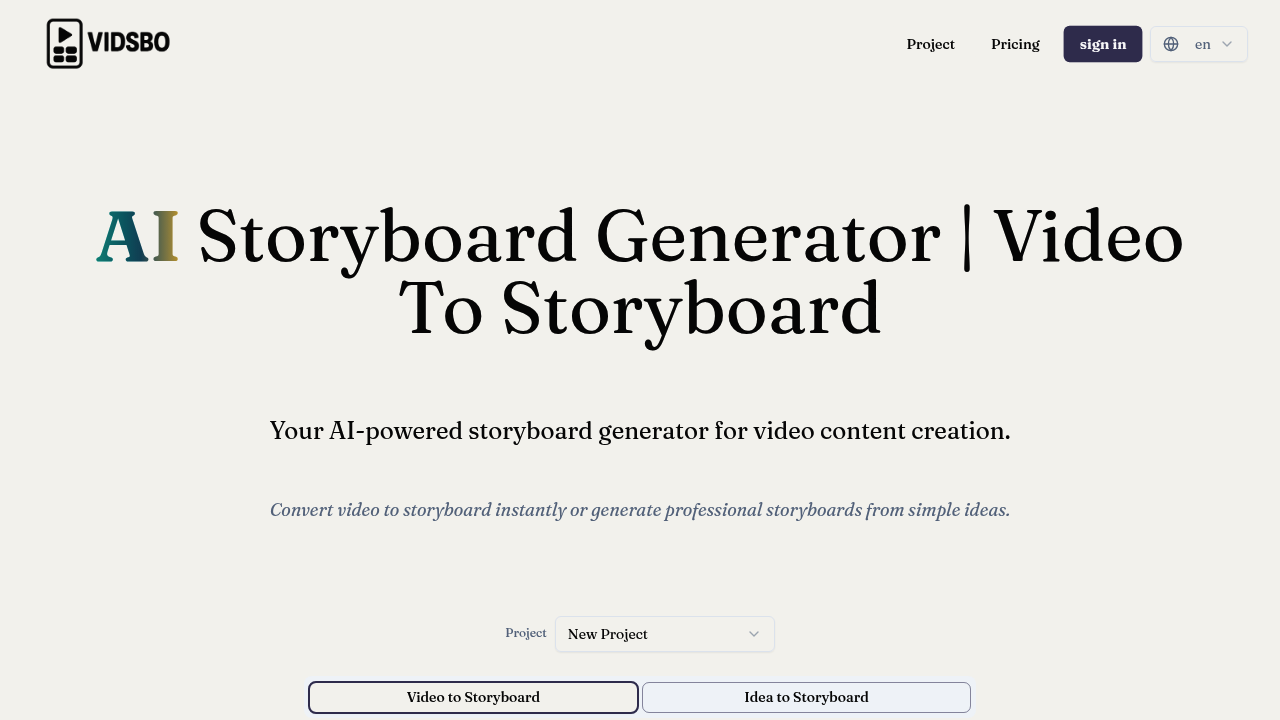
A freelance filmmaker studies a viral Nike commercial frame by frame, trying to understand why certain shots work. She wants to replicate that pacing and camera movement structure for a client's product launch video but manually documenting every shot, angle, and transition takes hours. VidSbo converts existing videos into detailed storyboards with precise technical breakdowns. Upload that Nike commercial and get a shot-by-shot analysis showing medium shots transitioning to extreme close-ups, dolly movements paired with specific lighting setups, and the exact pacing that makes viewers feel something.
VidSbo identifies camera shot types like close-ups and wide shots, detects movements including pans and zooms, and generates scene descriptions covering subjects, actions, environments, and props. It extracts dialogue and sound effects, then adds production notes about emotion, pacing, lighting, transitions, and post-production instructions. A YouTube creator working on tutorial content switches to the Tutorial/How-to template, which structures storyboards differently than the Ad/Commercial format. She describes her vision in text instead of uploading reference footage, and VidSbo generates a complete storyboard from that description.
The multi-language support covers 17 languages including Chinese, Arabic, and Bengali. Teams working across regions can generate storyboards in their preferred language. Custom field definition lets users restructure storyboard formats beyond the five default templates, and JSON schema generation exports data for integration into other production tools.
A production company analyzing competitor ads hits the video length ceiling fast. Free accounts cap at 10 seconds per video with 10 analyses daily. That's barely enough to study one competitor spot. The Starter Plan extends this to 2 minutes per video with 30 monthly credits, which translates to about 50 minutes of video analysis total. A wedding videographer reviewing a 4-minute ceremony highlight reel cannot process it on Starter because each video maxes at 2 minutes. She'd need the Pro Plan for 6-minute videos and 100 monthly credits covering roughly 160 minutes of analysis.
The credit system charges 0.01 credits per second of video analysis. Image generation costs between 0.1 and 0.75 credits depending on complexity. A team burning through credits on image generation for concept art finds they've exhausted their video analysis budget mid-project. The Pro Plan's 50% lower cost per credit helps but doesn't eliminate the calculation overhead.
Reverse-engineering successful videos works well for studying commercials, music videos, and short-form content. It fails for live events or unstructured footage where shot choices weren't deliberate. An event videographer uploading raw wedding ceremony footage gets technical breakdowns of accidental zooms and shaky handheld movements that weren't artistic choices. VidSbo assumes intentional cinematography.
Free accounts access basic models and limited tools without specifying which features get restricted. The paid plans include commercial licenses and full model access. Starter runs $12.90 monthly. Pro costs $29.90 monthly. Business plans use custom pricing.
Skip VidSbo if you're editing hour-long documentaries or feature films. The 6-minute video ceiling on Pro makes it useless for long-form content. It's built for shorts, ads, tutorials, and scene-specific analysis. Don't expect real-time collaboration features or team workspace functionality. And if your workflow needs API access for automation, that's not mentioned anywhere in the feature set.