
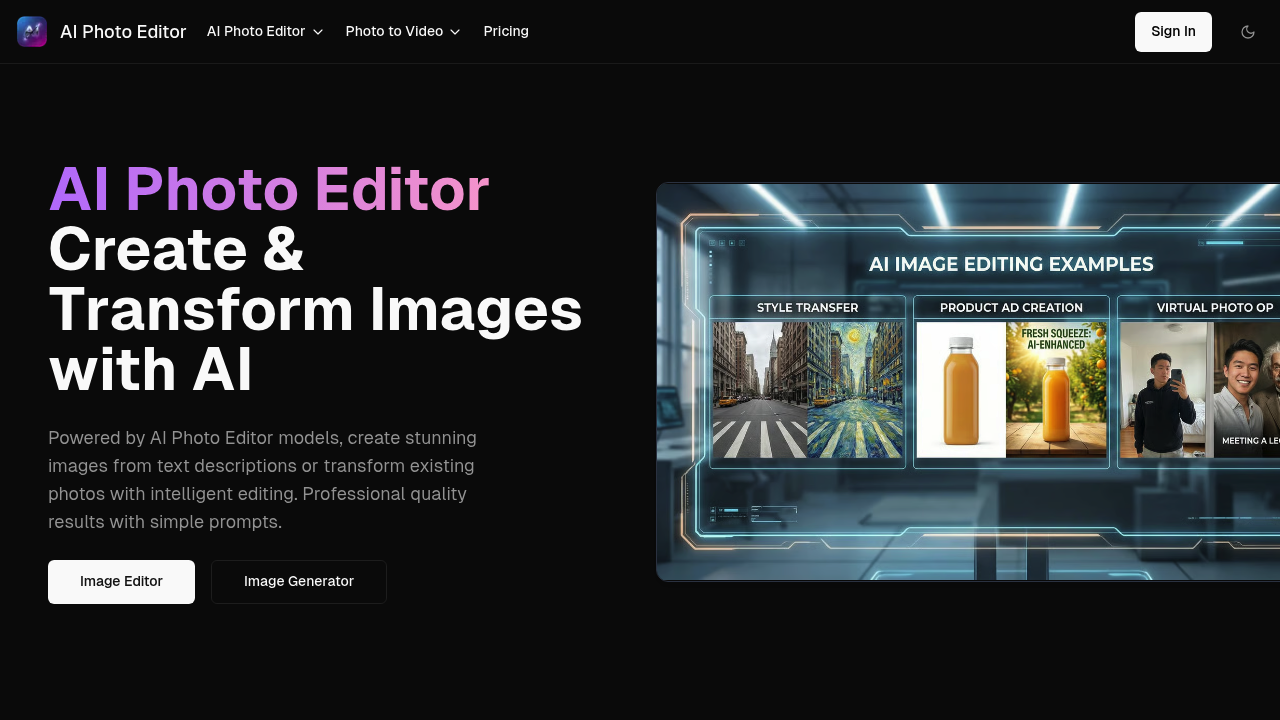
Turn words into pictures or reshape existing photos with text commands. That's the core promise here. AI Photo Editor.ai runs on Flux AI models and understands plain English prompts without needing technical jargon or carefully crafted instructions.
The text-to-image generator builds visuals from scratch based on your descriptions. You can also feed it existing photos and tell it what changes you want. The style transfer options cover anime, cartoon, oil painting, and watercolor conversions. Background swapping works through text prompts too. Object manipulation lets you add new elements to images or remove unwanted ones.
An effects library comes pre-loaded with AI-powered options you can apply directly. The image-to-image transformation feature takes one photo and reshapes it based on another reference or description. Results aim for photorealism rather than obviously generated looks.
Does it actually deliver?
The Flux AI foundation is solid tech. Plain language processing means you don't need to learn prompt engineering tricks. That matters for casual users who just want results. The style transfer options cover mainstream artistic looks without going too niche. Background changes and object manipulation can save hours compared to manual editing.
The credit system controls everything. Each action burns credits from your monthly or lifetime allocation. Free users get 40 credits total, not per month. That's enough to test things out but not enough for regular use. Once those 40 credits disappear, you're shopping for a paid plan or you're done.
The Starter plan includes 1000 credits monthly for $9. Pro bumps that to 2200 credits for $18. What's missing? Clear documentation on how many credits different operations cost. A simple background swap might use fewer credits than a complex style transfer with object manipulation. Without that breakdown, budgeting your monthly credits becomes guesswork.
Priority support and early access to new features come with paid plans. Standard support arrives with the free tier. No team collaboration features show up in the plan details. No API access mentioned either. If you need to integrate this into existing workflows or share projects with collaborators, you're working solo with manual uploads and downloads.
The Starter plan runs $9 monthly. That's reasonable if 1000 credits cover your typical workload. Pro doubles the credits for exactly double the price, which is straightforward math. The lifetime 40-credit free option lets you evaluate whether the output quality justifies paying. Just remember those credits don't refresh.
Content creators pumping out social media visuals could benefit from the speed. Digital artists exploring new styles without learning new software might find value. Professional photographers needing quick concept mockups or background variations could use this. Anyone producing volume work needs to calculate whether their monthly credit allowance actually covers their output needs.
The photorealistic results claim matters most for commercial projects where obviously AI-generated images won't work. Style transfers serve creative exploration better than client deliverables in most cases. The plain English interface removes friction but does not eliminate initial experimentation around what prompts produce useful results versus garbage.
You're getting modern image generation tech wrapped in accessible controls. The credit economy makes budgeting tricky without transparent per-operation costs. Works best for individuals with predictable monthly image needs rather than teams or enterprises.