
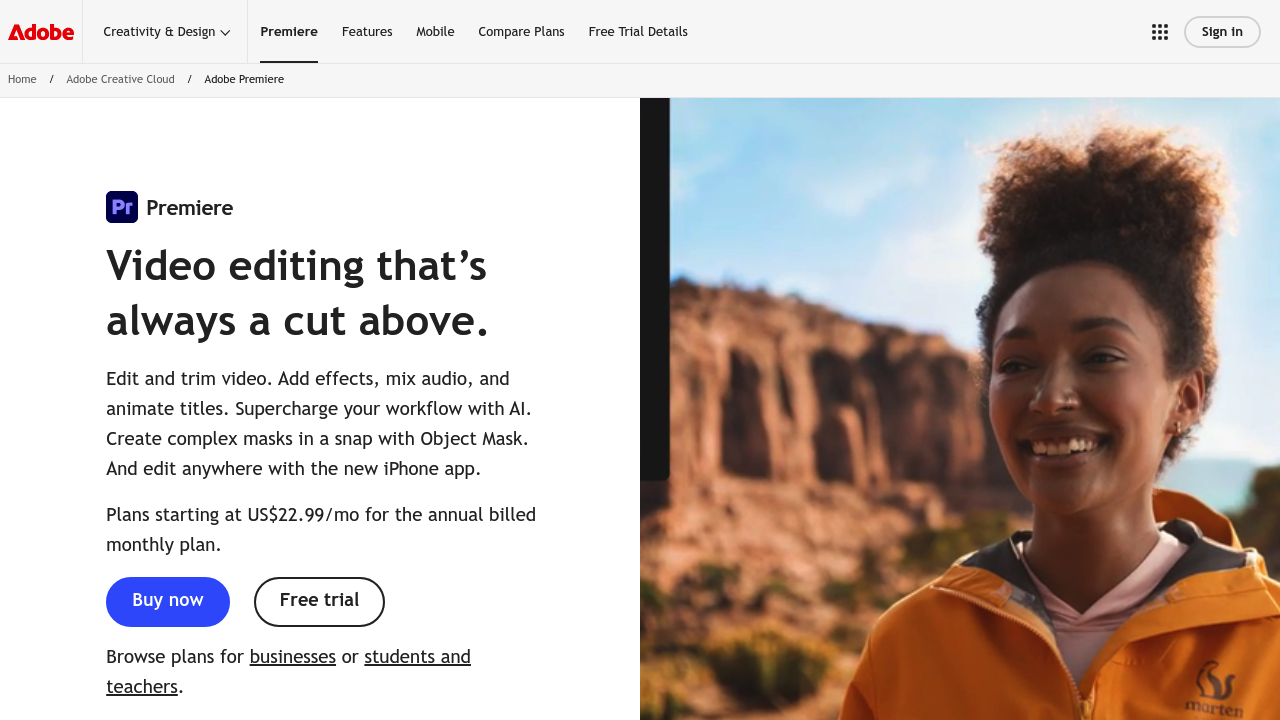
Professional video editing has largely split into two camps: the quick social media cut crowd and the people who need frame-accurate control with broadcast-quality output. Adobe Premiere lives firmly in the second category, though it's been gradually absorbing AI shortcuts that used to feel like cheating to purists.
The software handles the standard timeline editing you'd expect, but the AI features are where things get interesting. Object Mask uses machine learning to isolate and track subjects without manual rotoscoping. That's legitimately useful. Saves hours. Generative Extend can manufacture additional frames when you need a clip to run longer, which sounds like magic until you realize it's solving a very specific problem that editors face constantly. Text-Based Editing transcribes your footage and lets you edit by deleting words in the transcript. The video cuts accordingly. It's weirdly intuitive once you try it.
Media Intelligence lets you search footage using natural language instead of hunting through bins. Enhance Speech cleans up dialogue audio and strips background noise. Remix retimes music tracks to match your video length without awkward fades. These aren't gimmicks. They're shortcuts that compress hours into minutes.
The traditional toolset remains extensive. Color correction comes with professional wheels, curves, and built-in scopes. Audio tools include multi-track mixing and noise reduction. You get hundreds of effects and transitions, plus professionally designed templates if you need a starting point. There's an iPhone app for mobile editing, which extends the workspace beyond your desk. Caption translation works across 18 languages, and you can browse and license music directly within the interface.
Does it actually deliver? For complex projects, yes. The initial learning period is steep though. Really steep. This isn't software you master in an afternoon. The interface assumes you already understand terms like three-point editing and log footage transformation. New users often feel lost for weeks. The AI features help flatten that curve slightly, but you're still dealing with professional-grade complexity.
Performance matters here too. You'll need a powerful machine. Rendering times on older hardware can stretch painfully long. And while the AI tools work well, they're not magic fixes for seriously flawed footage. Generative Extend creates plausible frames but sometimes introduces subtle artifacts. Object Mask occasionally loses tracking in complex scenes.
Pricing runs $22.99 monthly for Premiere alone when billed annually. That includes the desktop version, iPhone app, and Adobe Express Premium. The Creative Cloud Pro bundle costs $34.99 for the first three months, then jumps to $69.99 monthly. That promotional rate applies to new subscribers only. You get over 20 apps in that bundle, including Photoshop and Illustrator, plus Adobe Firefly's generative AI tools. Whether the jump makes sense depends on how many Adobe apps you actually use.
No free tier exists. You can try it free temporarily, but ongoing access requires payment.
This makes sense for professional editors, filmmakers churning out long-form content, and businesses producing regular video. Students and teachers often qualify for educational discounts. For casual creators or people just starting out, the cost and complexity probably outweigh the benefits. Simpler tools exist.
The AI features demonstrably improve workflow efficiency, but they supplement rather than replace core editing skills. You still need to understand pacing, composition, and storytelling. The software just removes some of the tedious technical barriers between your vision and the final output.