
Adobe's generative AI capabilities transform how people interact with PDF documents through conversational commands and automated analysis. The assistant lives inside Adobe Acrobat, letting users ask questions about content, generate summaries with citations, and manipulate documents through natural language requests rather than navigating menus.
The chat interface handles both simple and complex document queries. Users can ask for summaries of lengthy reports, locate specific information across hundreds of pages, or pull out key themes from multiple contracts. Every summary includes citations that link back to the exact source location in the original document, making it possible to verify claims and dig deeper into context. This citation system addresses a common AI reliability concern by creating an audit trail.
Text manipulation happens through conversational commands. The system rewrites passages to be longer or shorter, adjusts tone from casual to formal, and restructures content without users touching the text directly. This rephrase functionality is rolling out incrementally to subscribers rather than launching all at once, so availability varies by account. Document editing extends beyond text to include conversion between formats and compression operations, all triggered through AI commands instead of traditional tools.
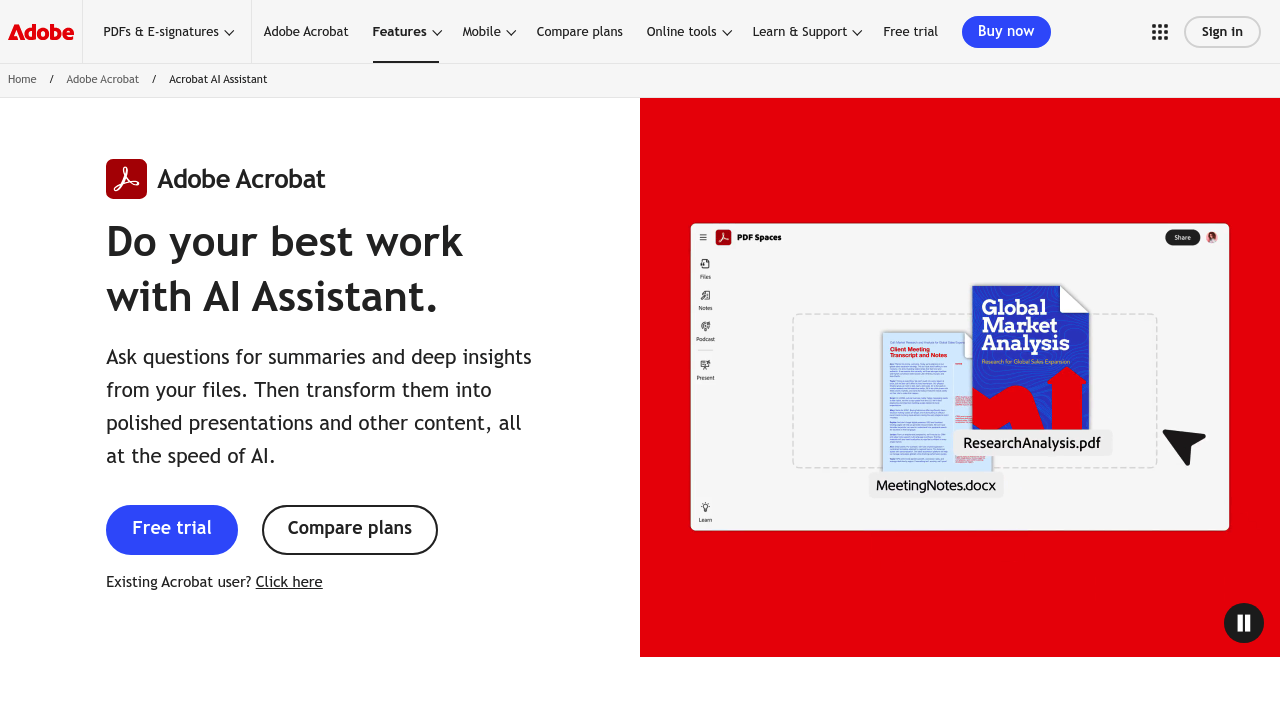
PDF Spaces create shared workspaces that combine up to 100 files and web links into a single AI-powered environment. Teams can collaborate on document collections while the assistant analyzes content across all materials simultaneously. The system generates audio overviews that function like podcast episodes, summarizing multiple documents in a conversational format. It also builds presentations by pulling content from various files and organizing it into slide decks.
Custom AI assistants get created within this environment, each configured to provide guided responses for specific use cases. Contract analysis receives dedicated functionality that automatically recognizes agreement structures and surfaces key terms without manual review. The system handles routine document tasks like identifying renewal dates, payment terms, or liability clauses across multiple contracts.
Content creation extends beyond document work into visual materials. The assistant generates images from text prompts through Adobe Firefly integration and builds social media posts, flyers, and infographics using a library of 500,000 professional templates. Adobe Express integration brings design tools directly into the workflow, eliminating the need to switch between applications.
Acrobat Reader costs nothing and covers viewing, printing, sharing, and commenting on desktop and mobile. Acrobat Pro runs $19.99 monthly with editing, export, protection, organization, e-signature collection, web forms, redaction, and 70 additional features across desktop, web, and mobile. Acrobat Studio costs $24.99 monthly and includes all Pro features plus the full AI Assistant capabilities. The AI features aren't available in the free tier or Pro plan, requiring the Studio subscription to access conversational commands, summaries, PDF Spaces, audio overviews, and content generation.
Privacy protection distinguishes Adobe's approach. User content and documents never train the company's AI models. Data stays private rather than feeding into system improvements, addressing concerns about sensitive business or personal information exposure.
Students, teachers, individuals, and businesses working with PDFs regularly benefit most. Anyone reviewing contracts, analyzing reports, summarizing research, or creating presentations from existing documents finds practical applications. The workspace collaboration features target teams rather than solo users. The template library and content generation serve marketing professionals and small businesses creating visual materials without design expertise.