Variant logo

Variant

Variant offers a free plan to get started with its design generation capabilities

35 views
Visit variant.ai
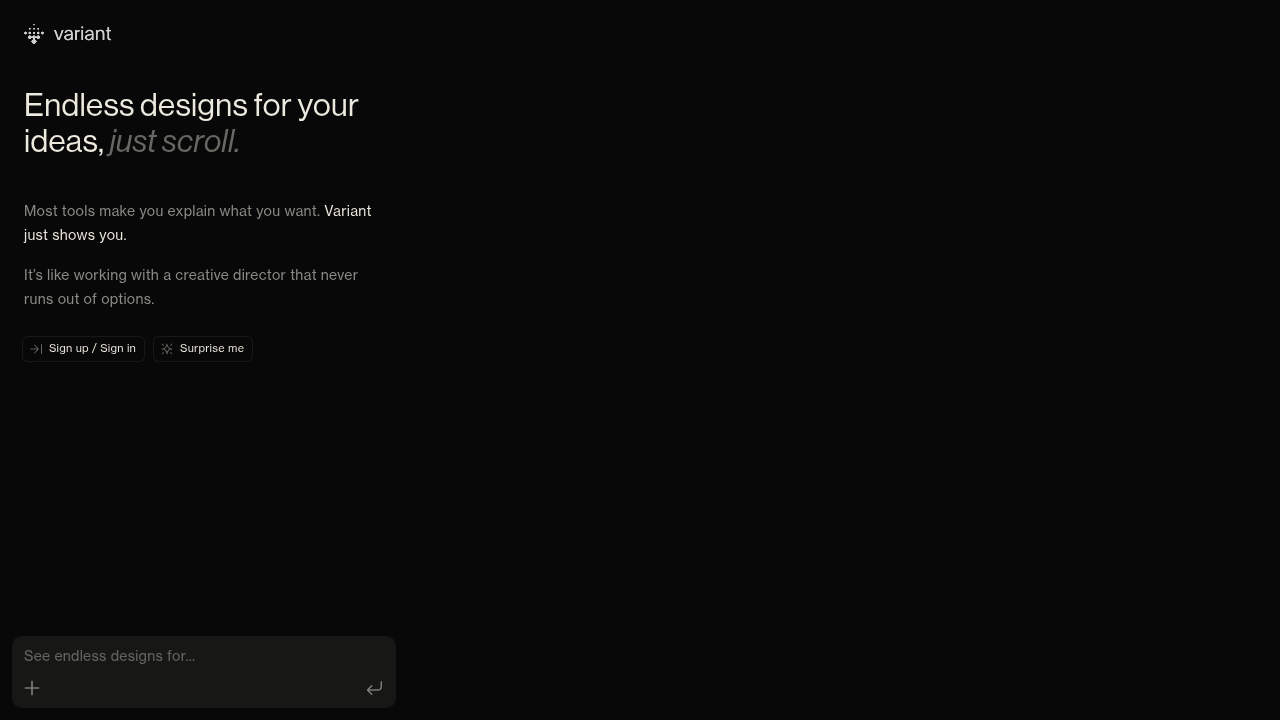
Variant screenshot

Variant offers a free plan to get started with its design generation capabilities.

Design variations come at you endlessly. No descriptions needed. You won't fill out prompts explaining your vision. Variant just starts showing options. It's like having a creative director who never gets tired of pitching new concepts—except the pitches arrive faster than any human could produce them.

Scrolling drives everything. You keep moving through designs that shift in style and visual content. Some look clean and minimal. Others lean vibrant or experimental. Variety comes automatically (based on whatever concept you're working from). For a product manager stuck on how their dashboard should feel—this approach removes the paralysis of the blank canvas.

What Variant won't do: let you fine-tune every pixel through detailed controls. Volume wins over precision here. You're browsing possibilities rather than micromanaging specifications. That works great when inspiration's needed or you want to explore directions you hadn't considered. It falls short if exact requirements already exist and you just need execution.

The endless scroll can feel overwhelming. Designers who prefer working methodically through a curated set of options might find the constant stream exhausting. But for anyone who's ever wished they could see more possibilities before committing to a direction? Variant delivers exactly that. You get options without having to articulate what makes a good option in the first place.


Frequently asked

6 questions
Is Variant free to use?
Yes, Variant offers a free plan that gives you access to its design generation features. You can start exploring endless design variations without paying anything upfront.
How does Variant generate design options?
Variant automatically generates designs based on your concept without requiring you to write prompts or detailed descriptions. You just scroll through an endless stream of variations that shift in style and visual content, kind of like browsing a feed of possibilities.
Can I customize specific details in Variant designs?
Not really—Variant focuses on volume over precision. You're browsing through lots of possibilities rather than fine-tuning every element. It's better for exploration and inspiration than executing exact specifications.
What's the best use case for Variant?
It's perfect when you're stuck on direction or need inspiration for a project. If you're a product manager unsure how your dashboard should feel, or a designer wanting to explore styles you hadn't considered, Variant helps you see possibilities without the blank canvas paralysis.
Do I need design experience to use Variant?
Nope, that's kind of the point. You don't need to explain what you want or know design terminology. Variant just shows you options, so you can react to what you see rather than trying to articulate a vision.
How many design variations does Variant create?
The variations are essentially endless—you keep scrolling and new designs keep appearing. It's like having a creative director who never runs out of ideas and can pitch concepts faster than any human could produce them.

Reviews (0)

No reviews yet. Be the first to share your experience.

Similar tools

See all →