
Superflex logo

Superflex

Most AI tools won't read your Figma file

37 views
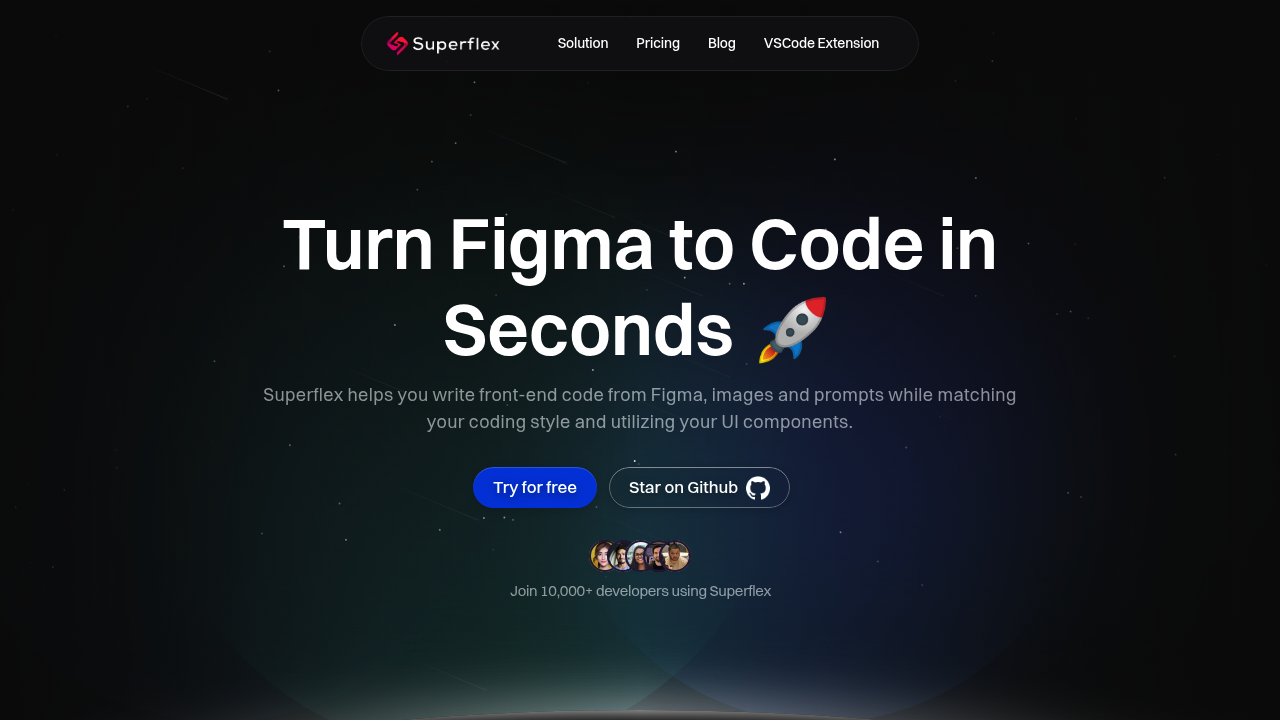
Superflex screenshot

Most AI tools won't read your Figma file. They can't match the component library you've spent six months building. Superflex does exactly that.

It crawls your existing codebase—finds reusable components—then generates new code that actually fits your project. No hallucinated Bootstrap classes. No generic garbage.

Throw Figma designs at it. Screenshots work too. Text prompts if you're prototyping fast. Superflex spits out code that mirrors how you already write. Your naming conventions. Your preferred structure. The VSCode extension keeps everything inside your editor (no bouncing between browser tabs).

This makes sense if you're translating designs into code multiple times per week. Product teams shipping features constantly need this. Agencies juggling client projects with different design systems need this. Over 10,000 developers use it now. The design-to-code pain point is real enough.

The free plan gives you one project. Fifteen premium requests monthly. No Figma connection at that tier though. Individual Pro costs $19 per month—unlocks 250 premium requests plus Figma integration. Teams pay $199 monthly for five licenses. Superflex claims an 80% velocity boost with that plan. Team Plan also includes a zero data retention option (useful for proprietary stuff).

You probably don't need this if you hand-code everything from scratch anyway. Or if your designs never make it past rough wireframes. But if Figma-to-production is your weekly grind—and you're tired of tedious translation work—Superflex handles the boring part.

Frequently asked

7 questions
How much does Superflex cost?
Superflex has a free plan with one project and 15 premium requests monthly (no Figma integration). The Individual Pro plan is $19/month with 250 premium requests and Figma access. Teams pay $199/month for five licenses, with additional users at $59 each.
Does Superflex work with Figma?
Yes, but only on paid plans. The free tier doesn't include Figma integration. Individual Pro ($19/mo) and Team Plan ($199/mo) both let you convert Figma designs directly into code that matches your existing components.
Can Superflex use my existing component library?
Absolutely. Superflex analyzes your codebase to find reusable components you've already built, then generates new code that actually uses them. It also adapts to your coding style and naming conventions instead of spitting out generic code.
What are the limitations of Superflex's free plan?
The free plan restricts you to one project, 15 premium requests per month, and 100 basic requests. You also won't get Figma integration at this tier, which is a pretty big limitation if you're working from design files regularly.
Is Superflex worth it for freelancers?
If you're constantly translating Figma designs into code for different clients, yeah. The Individual Pro plan at $19/month gives you 250 premium requests and learns each project's component library, which saves hours of repetitive work.
Does Superflex have a VSCode extension?
Yes, there's a VSCode extension so you can generate and edit code without leaving your editor. It works with Figma files, screenshots, or text prompts and outputs code that fits your existing project structure.
Is my code data safe with Superflex?
Team Plan customers can enable a zero data retention policy, which is helpful if you're working on proprietary projects. There's also a 30-day money-back guarantee if you're not comfortable after trying it out.

Reviews (0)

No reviews yet. Be the first to share your experience.

Similar tools

See all →