
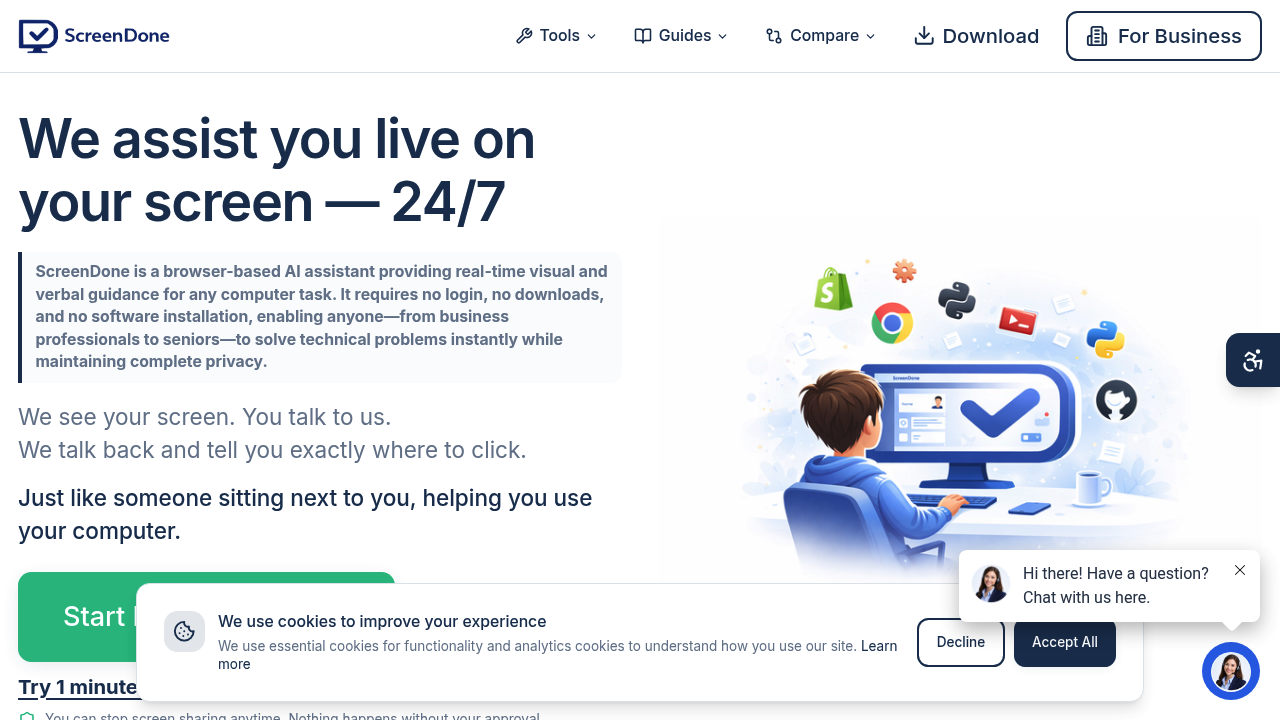
ScreenDone is a live AI assistant for computer help. The user shares a browser tab, window or screen, speaks or types a question, and the AI sees the screen and says exactly where to click next. It does not take control: the user makes every click and can end the session at any time. The first 60 seconds are free with no account, card or installation. After that, help is sold as one-time packages with no subscription: Quick Fix Lite is $4.99 for 5 minutes, Quick Fix is $12.99 for 7, Guided Support is $32.99 for 20 and Dedicated Help is $59.99 for 40.
The service is aimed at people who get stuck on everyday computer tasks and prefer someone to walk them through it: older relatives, small business owners setting up a website, sellers learning a store dashboard, and anyone nervous about privacy settings. It is available around the clock, which suits people who cannot wait for a human support slot. Users work from a desktop or laptop. The company states clearly that this is AI rather than a human call, so those who need a person on the line should know that.
Starter guides cover Facebook and privacy settings, forms and documents, email and accounts, WordPress and websites, Shopify and selling, and everyday computer tasks. Someone might ask how to make their posts private and be told to click Edit beside the post-visibility setting, then describe what appears. Others use it to upload a PDF to an online form, attach a file to an email, follow account recovery steps, or find their way around a website builder. Users are advised to stop sharing before entering passwords or payment details, and to check important changes before saving because the AI can make mistakes.