
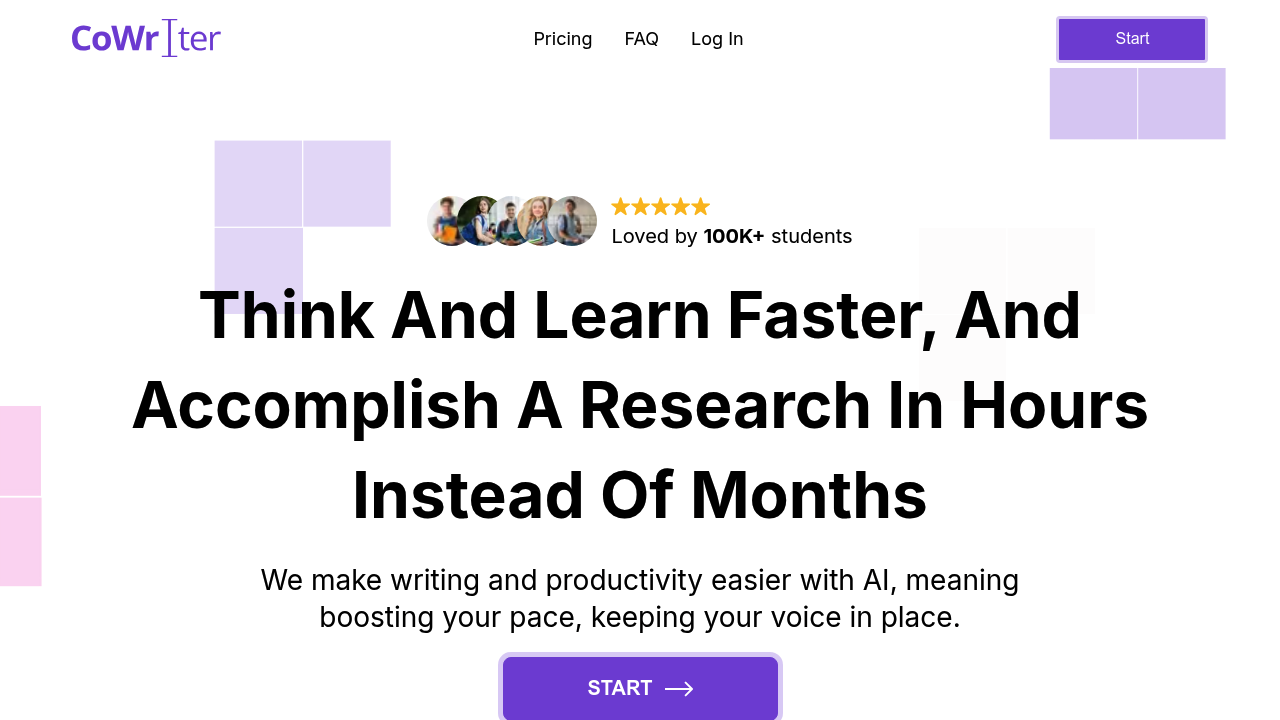
Opening CoWriter AI drops you into a writing interface built around one goal: getting academic papers written without tripping AI detection tools. You're writing your thesis or research paper, and this system watches your sentences, offering to complete your thoughts as you type. It's not just finishing words. It suggests entire paragraphs that match your voice and argument flow.
The autocomplete kicks in mid-sentence. You're writing about methodology, and it proposes three ways to finish your paragraph. Pick one or ignore it. The suggestions adapt to academic tone automatically, which matters when you're trying to sound scholarly without sounding robotic. This is where it differs from general writing assistants.
Need a source? The research function pulls references while you write. You highlight a claim, click for citations, and it generates formatted references with bibliography entries. No tab-switching to Google Scholar. The citation generator handles multiple formats, though the interface doesn't always make it obvious which style you've selected until you export.
Grammar corrections appear inline. Style suggestions pop up for passive voice or weak verbs. The plagiarism checker runs in the background, flagging sections that might trigger similarity scores. But here's the friction: on the Pro plan at $11.99 monthly, you hit a wall at 50 completion suggestions per day. If you're deep in a writing session, that cap arrives fast. You're left typing manually or upgrading to Premium at $23.99 monthly for unlimited suggestions.
The multiplayer feature permits your advisor or writing partner jump into the same document. Changes appear live. Comments stack in margins. It works smoothly until someone's editing while the AI's also suggesting completions, then the interface gets cluttered.
Export options are limited on Pro. Two formats only. Premium opens up the full set, plus document regeneration if you want to rewrite entire sections with different angles. The advanced plagiarism detection also sits behind the Premium paywall, which feels backward when academic integrity is supposedly central.
Over 100,000 students use this. The privacy angle is real. They built it with cybersecurity people involved, marketing it as undetectable by AI-checking software. Whether that holds up long-term is anyone's guess, but the focus on bypassing detection is explicit and central to the pitch.
This system moves fast for research that'd normally take weeks. Claims about replacing thesis supervisors show up in testimonials, which is ambitious. It's highly useful for drafting. Less useful if you need advanced features but don't want to pay double.