
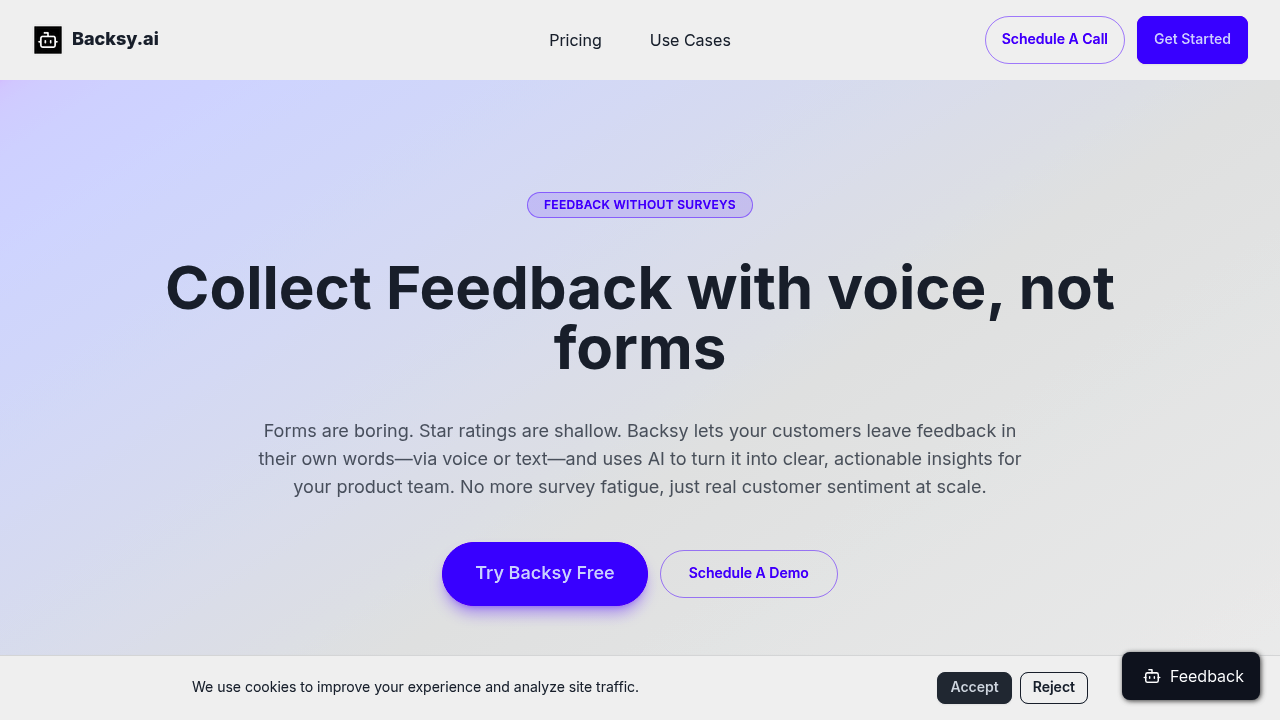
Customers hate filling out surveys. Backsy turns that friction into voice or text feedback that actually gets analyzed.
This platform collects unstructured feedback (no multiple choice questions, no rating scales). People talk or type freely. Then AI scores that feedback against custom attributes you define. Want to know how customers feel about your onboarding flow or checkout experience? Set those as attributes and the system pulls scores from the actual words people used.
The transparency piece matters. Click any attribute score and you will see the exact quotes that drove it — positive, negative, and neutral. That's verification, not blind trust in an algorithm. If the AI says your support team scored 8/10, you can read the specific customer comments that led to that number.
Analysis finishes in under three minutes. Upload a CSV of existing feedback from surveys or support tickets, define your attributes, and get scored results fast. The system also suggests new attributes when it spots recurring themes you didn't think to track. Trend charts show how scores change over time, which beats trying to remember if last month's feedback felt different from this month's.
QR codes make collection dead simple. Print one on a receipt, stick it on a table, drop it in an email. People scan and leave feedback without downloading anything or creating accounts. Works for restaurants checking food quality, consultants gathering client reactions, or product teams testing new features.
The free tier includes three credits. That's enough to test the core workflow but won't sustain regular feedback analysis. Paid plan costs aren't publicly listed, so you can't budget for ongoing use without reaching out. That's a gap for teams planning quarterly expenses.
Intercom integration exists, but the connection points are not spelled out in available details. CSV import handles most feedback sources, but direct integrations with tools like Zendesk or Typeform would cut down manual export steps.
Backsy shines when you've got piles of open-ended feedback and no time to manually code responses. It falls short if you need real-time alerts when negative feedback spikes or want to route comments to specific team members. Those workflow features don't appear in the current setup.
Best fit for anyone drowning in unstructured feedback — product managers with 500 survey responses, UX researchers combing through interview transcripts, or small business owners who'd rather spend time fixing problems than categorizing complaints. The voice option particularly helps restaurants and retail where typing feels like extra work for tired customers.