DayStart AI logo

DayStart AI

You wake up, open DayStart AI on your iPhone, and within seconds the app starts reading your morning briefing out loud

33 views
DayStart AI screenshot

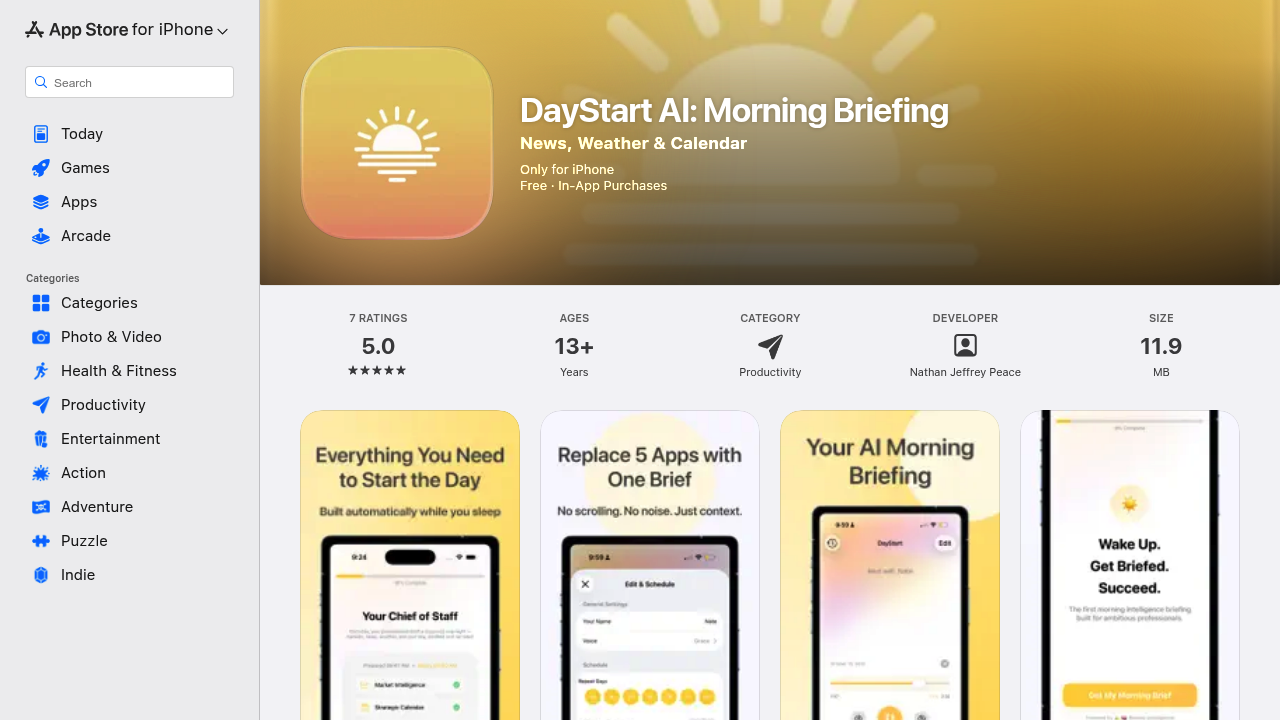
You wake up, open DayStart AI on your iPhone, and within seconds the app starts reading your morning briefing out loud. There's no scrolling through feeds or switching between apps. The entire experience happens in three minutes.

The briefing starts with whatever matters most today. If you've got a flight, that leads. If markets moved overnight, you hear it first. The app checks your calendar, pulls weather for wherever you're heading, and connects dots across categories without you asking. It'll say something like "In Chicago for your Wednesday meeting, expect temps in the 30s" because it noticed the event and looked up the forecast automatically.

You get top headlines, local weather, your schedule rundown, market updates, and a moment of inspiration or focus to close it out. The tone feels like an executive assistant briefing you before you leave the house. Everything's delivered in one continuous audio stream, so you can listen while making coffee or getting ready.

The calendar integration works well when you travel. Drop a meeting in another city into your calendar and the briefing includes that location's weather without any setup. The app parses event details and figures out where you're going. This saves the constant habit of checking weather apps for each destination.

The Christian quote option exists if that's your thing. The inspiration moment adjusts based on what you select.

Here's where it gets frustrating. iPhone only. If you're on Android, you're out. You also can't customize the three-minute length or skip sections you don't care about. The briefing runs in the sequence the app decides, which works most days but feels rigid when you just need one piece of information.

The app requires iOS 17.0 or later and location services for weather accuracy. Calendar access is optional but without it you lose the travel intelligence feature, which is honestly the most useful part. The whole thing takes up about twelve megabytes on your phone.

Users rate it 5.0 across seven reviews, though that's a small sample. The app's built for leaders who want context and momentum before their day starts, replacing the scattered morning routine of checking news, weather, calendar, and markets separately. It delivers on that promise but doesn't bend much if your mornings don't fit the template.


Frequently asked

7 questions
Does DayStart AI work on Android?
DayStart AI only works on iPhone. You need iOS 17.0 or later to run the app. Android users can't access it at all, which is frustrating if you're not in the Apple ecosystem. The app doesn't have a web version or alternative platform either.
How much does DayStart AI cost?
DayStart AI operates on a freemium model, though the specific pricing tiers aren't publicly detailed. You can download the app and start using it without entering payment information upfront. The app doesn't advertise a free trial period, so you'll need to check inside the app to see what features require payment versus what's included in the free version.
Can I customize what's in my DayStart AI briefing?
You can't customize the briefing length or skip sections you don't care about. The app delivers a fixed three-minute briefing in the sequence it chooses based on what it thinks matters most that day. You can toggle the Christian quote option for the inspiration moment, but that's about it. The rigid structure works fine when you want everything, but feels limiting when you just need weather or just need your schedule.
How does DayStart AI know the weather for my business trips?
The app reads your calendar events and automatically detects travel destinations from meeting locations or event details. Once it spots a trip, it pulls weather forecasts for that city and includes them in your briefing without any manual setup. You'll hear something like the forecast for Chicago if you've got a Wednesday meeting there. This requires giving the app calendar access, otherwise the travel intelligence feature doesn't work.
Can I use DayStart AI without giving it calendar access?
You can run the app without calendar access, but you lose the travel weather intelligence and schedule rundown sections. The briefing will still include top news, local weather for your current location, market updates, and inspiration. Calendar integration is optional but removing it cuts out the features that make the app genuinely useful compared to just reading news headlines yourself.
Who should use DayStart AI?
DayStart AI works best for leaders or executives who travel frequently and want one consolidated briefing instead of checking multiple apps every morning. If you're constantly moving between cities for meetings and need context on news, markets, and weather across locations, the app saves time. It's less useful if you work from home every day and don't need calendar intelligence or if you prefer reading over listening to audio briefings.
How long does a DayStart AI briefing take?
Every briefing runs exactly three minutes. The app reads it aloud from start to finish covering news, weather, calendar, markets, and a closing inspiration moment. You can't adjust the length or speed it up. Three minutes works well for most mornings, but the fixed duration means you can't get a quicker update when you're rushed or a deeper dive when you have more time.

Traffic

Estimated monthly website visits · last 0 months

Not enough historical data for a chart yet.

Data from SimilarWeb · Updated monthly.

Reviews (0)

Write review

No reviews yet. Be the first to share your experience.

Similar tools

See all →