Agionic logo

Agionic

Traditional AI assistants can't read your live docs

33 views
Agionic screenshot

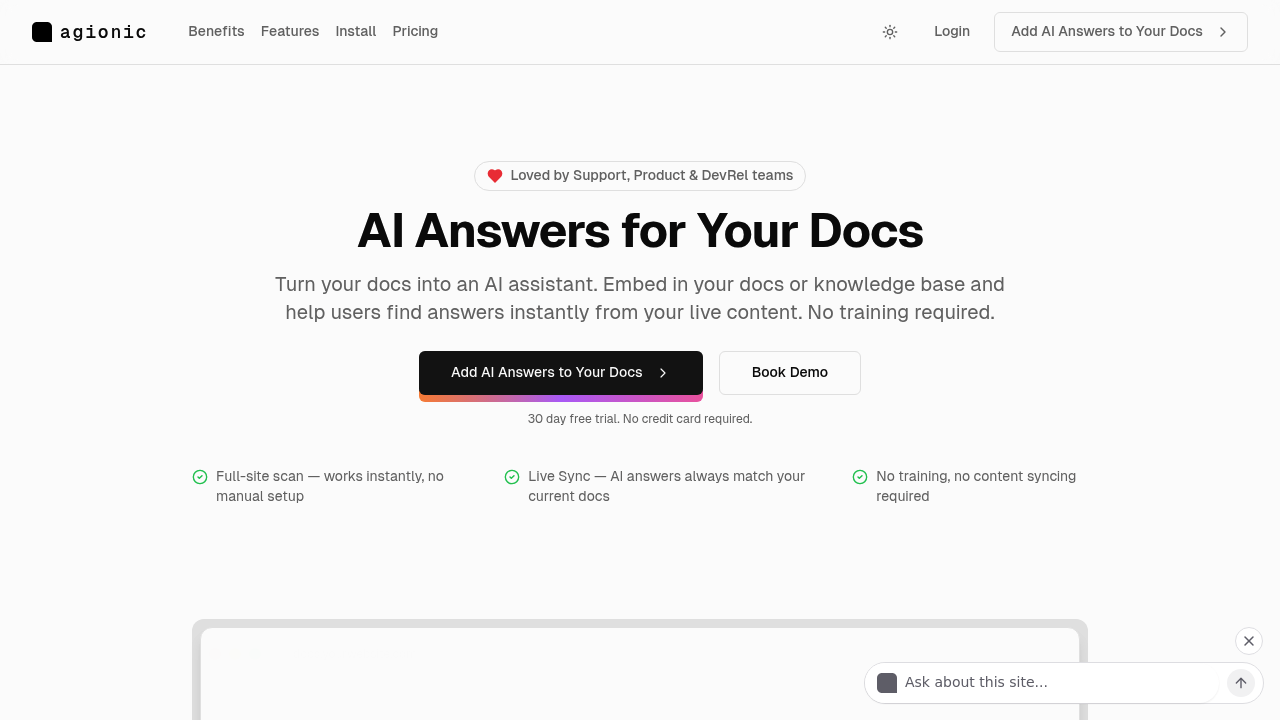
Traditional AI assistants can't read your live docs. They hallucinate. Updates you publish? They drift out of date immediately. Agionic scans your entire documentation site—keeps the AI assistant synced with whatever's actually published right now.

Drop in a script tag. Install the WordPress plugin. Agionic crawls everything. The assistant goes live. No training sessions required. No manual content uploads. No watching your AI slowly become wrong as docs evolve. It rescans automatically—pulls answers from current pages.

The billing model is unusual (in a good way). You pay $0.49 per resolved request. At each billing period's end, Agionic runs every conversation through Gemini. Did the user's question actually get answered? If the response was garbage or unhelpful—you don't get charged for it. Set a monthly spending cap if runaway costs worry you.

DevRel teams get conversation logs. Every question users asked shows up. Ten people ask about the same missing topic? You know where your docs have holes. Support teams watch ticket volume drop. Users find answers before they ever open a ticket.

It works across subdomains. Loads asynchronously—won't drag down page speed. The 30-day free trial doesn't ask for a card.

The catch? It only works on public content right now. Private or internal docs aren't supported yet. Your knowledge base sits behind authentication? You'll need to wait for a future version.

Frequently asked

7 questions
How much does Agionic cost?
You pay $0.49 per resolved request, and that's the clever part—Agionic uses Gemini to review every conversation at billing time and only charges when users actually got their questions answered. There's a 30-day free trial with no credit card required, and you can set a monthly spending cap if you want to control costs.
Does Agionic work with private documentation or internal knowledge bases?
Not yet—it only works on publicly accessible content right now. If your docs sit behind authentication or are internal-only, you'll need to wait for a future version that supports private content.
How do I add Agionic to my documentation site?
Just drop in a script tag, install the npm package, or use the WordPress plugin. Agionic automatically scans your entire site and goes live—no training, no manual uploads, no configuration headaches.
Will Agionic slow down my documentation site?
Nope, it loads asynchronously so it won't impact your page performance. The assistant runs independently of your main content loading.
How does Agionic stay up to date when I change my docs?
It rescans your site automatically and pulls answers from whatever's currently published. You update a page, Agionic picks it up—no manual syncing or retraining required.
Can I see what questions users are asking in my documentation?
Yes, you get full conversation logs showing every question users asked. This is gold for spotting content gaps—if ten people ask about the same thing, you know exactly what's missing from your docs.
What happens if Agionic gives a bad answer to a user's question?
You don't pay for it. At the end of each billing period, Gemini reviews every conversation to determine if questions were actually resolved, and unhelpful responses get excluded from your bill automatically.

Reviews (0)

No reviews yet. Be the first to share your experience.

Similar tools

See all →