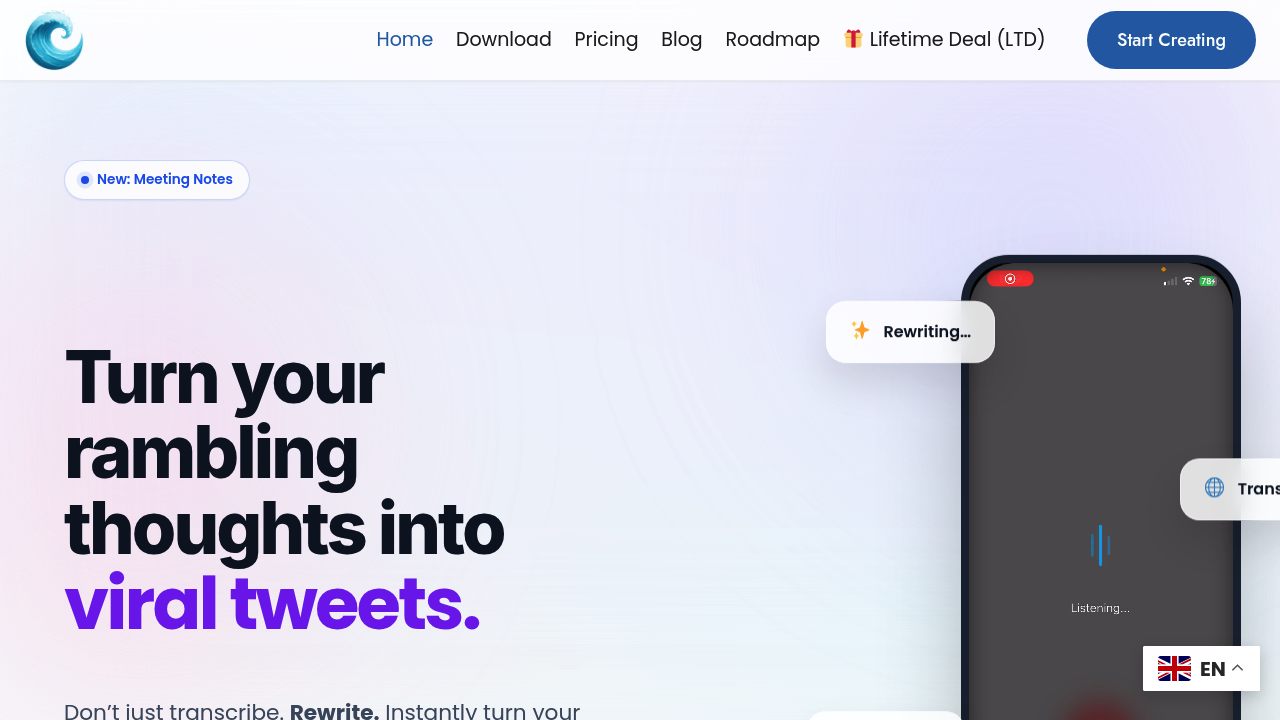
This application converts speech into polished text using a keyboard-level integration that hooks into your device's input system. When you speak, the audio pipeline captures your voice, runs it through speech-to-text transcription, then applies AI rewriting to clean up the output. The system removes filler words like umms and ahhs, corrects grammar, and restructures stream-of-consciousness speech into formatted text.
The technical architecture operates at the keyboard layer rather than as a standalone app. This means it works across any application on your device. The AI pipeline detects which app you're typing into and adjusts the output accordingly. Speaking into LinkedIn triggers professional formatting. WhatsApp gets casual tone. Gmail receives formal structure. This context-awareness happens automatically without manual mode switching.
The rewriting engine offers 25 different styles including Professional, Tweet, Email, and Casual. You can also run post-processing commands like Shorten, Expand, Fix Grammar, or Emojify on already-transcribed text. The system maintains a custom vocabulary that learns your specific word choices and tone patterns over time, which helps reduce the generic feel common in AI-processed text.
For meeting transcription, the application captures audio, generates a full transcript, then applies summarization algorithms to extract key points and action items. You can export these transcripts as separate files. The auto-formatting feature converts unstructured speech into structured content types like to-do lists or action plans without manual formatting.
Language support covers 120 languages for transcription, 50 for speaking, and 30 for translation. The translation pipeline processes your speech in one language and outputs text in another, though the quality varies considerably across language pairs based on training data availability.
The system works across Slack, Notion, Obsidian, WhatsApp, LinkedIn, and Gmail through its keyboard integration. There's no need to install separate plugins for each platform. The technical limitation here is that formatting quality depends on how well the AI model recognizes each app's context. Less common applications might not trigger appropriate tone adjustments.
Speed differences matter here. The average mobile typing speed sits at 30 words per minute while speaking hits 150 words per minute. This five-times multiplier makes voice input substantially faster for longer content, though accuracy depends on speech clarity and background noise levels.
The Starter plan includes 2,000 words for the first month with basic AI rewrite functionality. It works across iOS, Web, and Desktop but limits you to community support and fewer rewrite styles. The Unlimited plan costs $15 monthly and removes word count restrictions, provides all 25 rewrite styles, adds export capabilities, and includes priority support. There's a 30-day money-back guarantee.
Technical limitations show up in the free tier's restricted word count and reduced AI capabilities. The 2,000-word limit depletes quickly if you're transcribing multiple meetings or writing lengthy documents. Basic AI rewrite means you can't access specialized formatting styles or advanced tone adjustments. Community support also means slower response times for technical issues.
The keyboard integration approach creates dependency on platform compatibility. If your operating system updates break the keyboard hook, the application stops working until developers patch it. This differs from web-based applications that run independently of system-level changes.