
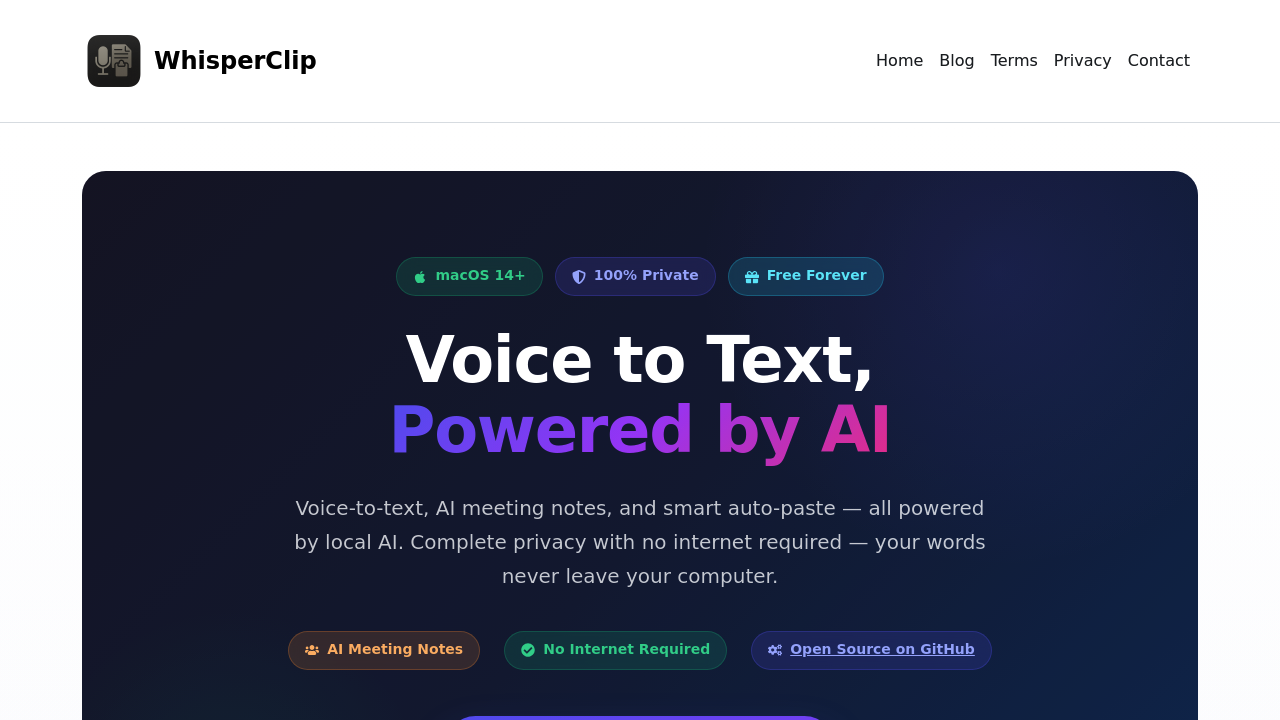
WhisperClip turns speech into text on macOS using local AI models that run entirely on your device. The application intercepts your voice input, processes it through on-device speech recognition, and automatically pastes the transcribed text wherever your cursor sits. No cloud services involved.
The technical architecture centers on local processing. WhisperClip uses on-device language models including Gemma, Llama, Qwen, and Mistral to handle transcription and enhancement tasks. When you activate voice typing through a system-wide hotkey or Hold to Talk mode, the app captures audio, streams it through real-time speech recognition, and outputs text directly into your active application. The data pipeline stays completely local. Your voice never touches external servers.
For meeting transcription, WhisperClip auto-detects when you're in Zoom, Microsoft Teams, or Google Meet. It captures the audio stream and runs live transcription with speaker diarization, meaning it identifies who's speaking and separates their contributions. The local AI then generates summaries and extracts action items from the transcript. After meetings end, you can ask questions about what was discussed, and the system queries the stored transcript to provide answers.
The grammar correction and translation features work through the same local models. You speak naturally, and the AI cleans up the output before pasting. Custom prompts let you define how the models should process your speech. Multi-language support means you can dictate in various languages without switching settings manually.
Integration happens at the system level rather than through specific app connections. Because WhisperClip uses macOS accessibility features to paste text wherever your cursor sits, it works in literally any application that accepts text input. Email clients, text editors, chat apps, web forms. The menu bar integration gives you quick access to controls without opening a full window.
The app's completely free with no subscriptions, hidden costs, or ads. Voice typing, AI meeting notes, auto-paste, local AI enhancement, and meeting capture with speaker diarization all come in the free tier. No paid plans exist. This isn't a freemium model with locked features.
The open source nature means the codebase lives on GitHub where anyone can inspect how the voice processing and AI models work. This transparency matters for privacy-conscious users who want to verify that voice data truly stays local.
Technical limitations are significant. You need macOS 14 or higher. That's it for compatibility. No Windows version exists. No Linux support. No mobile apps for iOS or iPadOS despite Apple's ecosystem. This makes WhisperClip unusable for anyone outside the Mac environment or anyone running older macOS versions.
The local processing requirement means performance depends entirely on your Mac's hardware. Older or less powerful machines might struggle with real-time transcription, especially during long meetings with multiple speakers. The AI models need computational resources, and if your device can't provide them, transcription quality degrades or slows down.
Speaker diarization accuracy varies based on audio quality and how distinct voices sound. If meeting participants have similar vocal characteristics or poor microphone quality, the system might misattribute who said what. The post-meeting Q&A feature only works as well as the transcript it references, so any transcription errors propagate into the answers you get.
The claim about typing three times faster with voice assumes optimal conditions and user adaptation. Actual speed gains depend on your speaking pace, accent, and how well the models handle your voice patterns.