
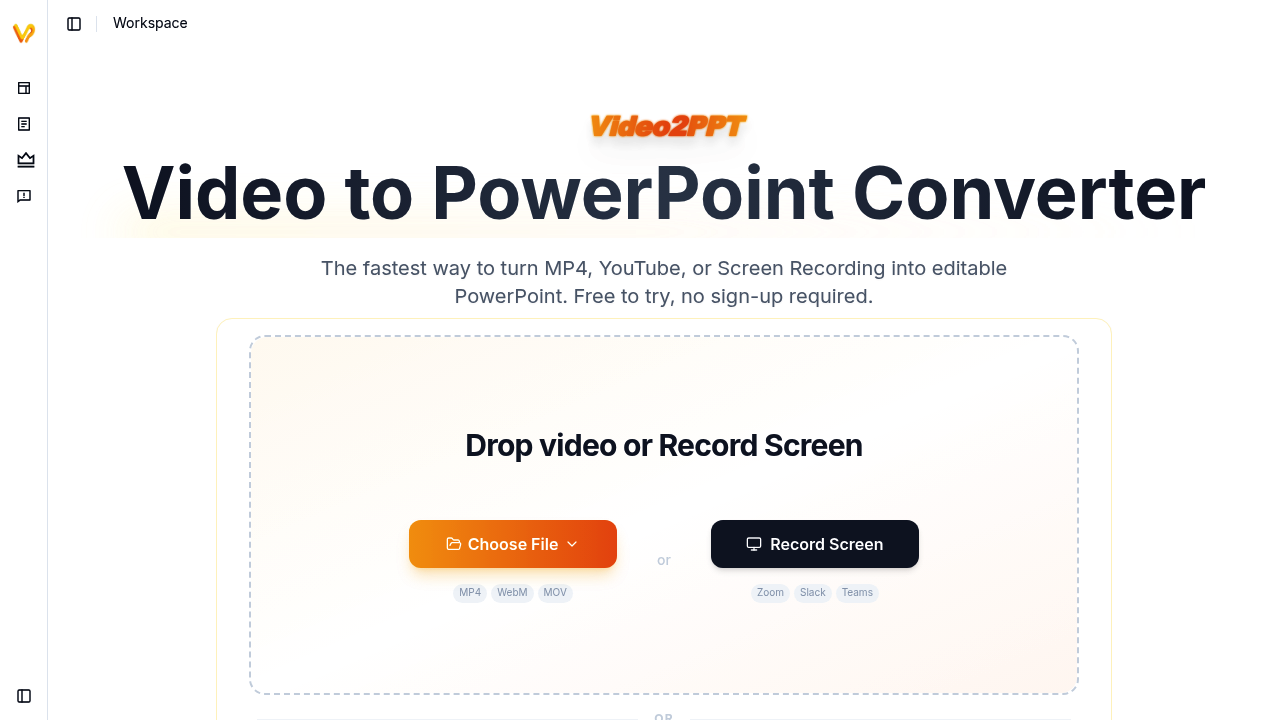
Video2PPT pulls key frames from videos and converts them into editable presentation slides. This application analyzes uploaded content to identify the most relevant frames, then extracts them as individual slides that can be edited in PowerPoint or other presentation software.
The system accepts video files in MP4 format, direct uploads from YouTube and Vimeo, and screen recordings captured through its built-in recorder. When you upload a video, the AI scans through the entire timeline to detect frames that contain meaningful content changes, typically identifying slides shown during presentations, lectures, or webinars. This frame detection algorithm looks for visual patterns that indicate new content rather than processing every single frame, which would be computationally expensive and unnecessary.
Processing happens entirely on your local device rather than uploading to external servers. This architecture choice means your video content never leaves your machine during the extraction process. Video2PPT runs the analysis locally, then generates the presentation file on your device. For a two-hour video, the extraction completes in close to one minute according to their performance metrics.
The batch processing feature handles over twenty videos simultaneously, useful when you need to extract slides from multiple recorded sessions at once. You can queue up numerous recordings and let the system work through them sequentially. Video2PPT claims a 99% accuracy rate for frame extraction, though accuracy depends heavily on video quality and how clearly the original slides appear in the recording.
Output formats include standard PowerPoint files, Google Slides, PDF documents, and HTML presentations. This gives you flexibility in how you use the extracted content. The slides maintain their visual fidelity from the source video, though resolution depends on the original recording quality.
The built-in screen recorder captures content from video conferencing platforms including Zoom, Google Meet, and Microsoft Teams. You can record meetings or webinars directly through Video2PPT, then immediately process those recordings into slide decks. This integration works with Slack as well, though the exact implementation for Slack isn't specified in the technical documentation.
The YouTube and Vimeo integration lets you paste a URL rather than downloading the video first. Video2PPT fetches the video, processes it locally, and extracts the frames. This simplifies the workflow when working with content already hosted on these platforms.
Because processing runs locally, Video2PPT's performance depends on your device specifications. Older machines or those with limited processing power will take longer to analyze videos. The one-minute processing time for two-hour videos likely assumes modern hardware with adequate CPU resources.
The system works best with videos that clearly show presentation slides, such as recorded webinars, conference talks, or training sessions. Videos with rapid cuts, heavy motion, or where slides appear small on screen will challenge the frame detection algorithm. Video2PPT can't extract text that wasn't visible in the original recording or enhance low-resolution content beyond what the source video provides.
You can try the service without creating an account. No sign-up required for initial testing. This lets you evaluate whether the extraction quality meets your needs before committing to regular use. The free tier exists but specifics about limitations or usage caps aren't documented. Thousands of professionals reportedly use this service, though exact user numbers aren't provided.