LinkerTube logo

LinkerTube

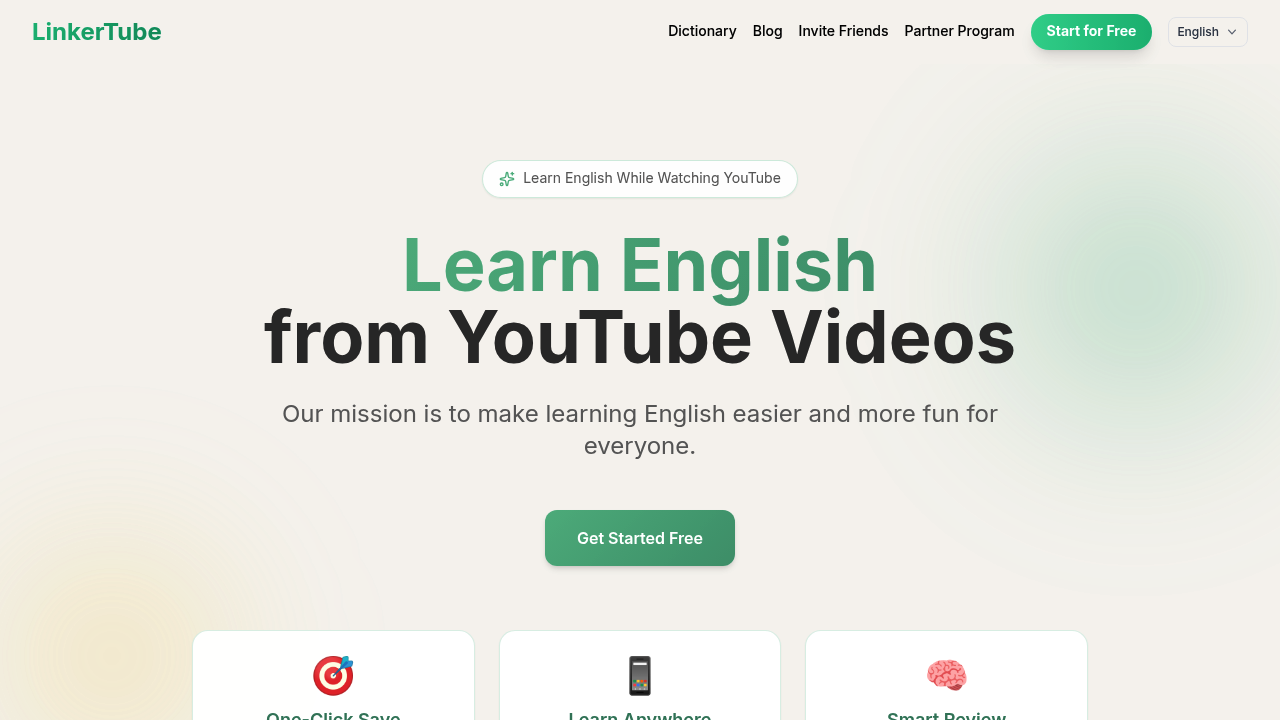
Learning English from YouTube videos

30 views
LinkerTube screenshot

Learning English from YouTube videos? You'll pause every few seconds to look up unfamiliar words. LinkerTube keeps each saved word tied to its exact video timestamp. Jump back to that moment instantly—hear how native speakers actually used it.

A sidebar appears on YouTube with dual subtitles and translations. Click any word or sentence. Save it. LinkerTube syncs everything to the cloud. Review on your phone during commutes. Review while waiting in line. College students preparing for TOEFL exams can pull from built-in vocabulary lists—study terms in real video context instead of flashcard isolation.

The Smart Review System schedules saved words automatically. Spend just 10 minutes daily reviewing. That's what you're supposed to do. The free plan gives you subtitles and basic explanations. Pro costs $9 monthly. It unlocks the AI Coach feature (plus unlimited vocabulary saves and the full review system).

Mobile apps exist for iOS and Android. A Chrome extension handles the desktop experience. The context-based approach makes sense—you remember words better when they're anchored to actual scenes and dialogue. Not abstract definitions.

The limitation? Pretty obvious. Most useful features sit behind the paywall. Free users can watch with subtitles but can't really build a systematic learning routine without upgrading. Still, if you already watch YouTube videos in English regularly, LinkerTube turns passive viewing into active practice. No need to open separate study apps or notebooks.


Frequently asked

6 questions
How much does LinkerTube cost?
LinkerTube has a free plan that includes subtitles and basic explanations. The Pro plan costs $9 per month and unlocks the AI Coach, unlimited vocabulary saves, and the full Smart Review System. There's no free trial, but you can start with the free version to see if it fits your learning style.
Does LinkerTube work on mobile?
Yes, LinkerTube has apps for both iOS and Android. Everything you save while watching YouTube on your desktop syncs to the cloud, so you can review your vocabulary on your phone during commutes or whenever you've got a few free minutes.
Can I use LinkerTube to prepare for TOEFL or IELTS?
Absolutely. LinkerTube includes built-in word lists for TOEFL and IELTS, plus COCA word frequency lists. Instead of memorizing from flashcards, you'll see these exam words used in actual YouTube videos with real context, which helps them stick better.
How does LinkerTube remember where I found each word?
Every word you save gets tagged with its exact timestamp from the video. Click on any saved word later and LinkerTube jumps you right back to that moment in the video so you can hear it used in context again. It's like having a bookmark for every vocabulary item.
What features am I missing with the free plan?
The free plan gives you subtitles and translations, but you won't get the AI Coach, unlimited vocabulary saves, or the Smart Review System that schedules your practice. If you want to build a serious learning routine beyond just watching with subtitles, you'll need Pro.
How much time do I need to spend using LinkerTube?
The Smart Review System is designed for about 10 minutes of daily review. You're already watching YouTube anyway, so LinkerTube just adds a sidebar during videos and gives you a quick review routine on your phone. It fits into the gaps in your day.

Reviews (0)

No reviews yet. Be the first to share your experience.

Similar tools

See all →