
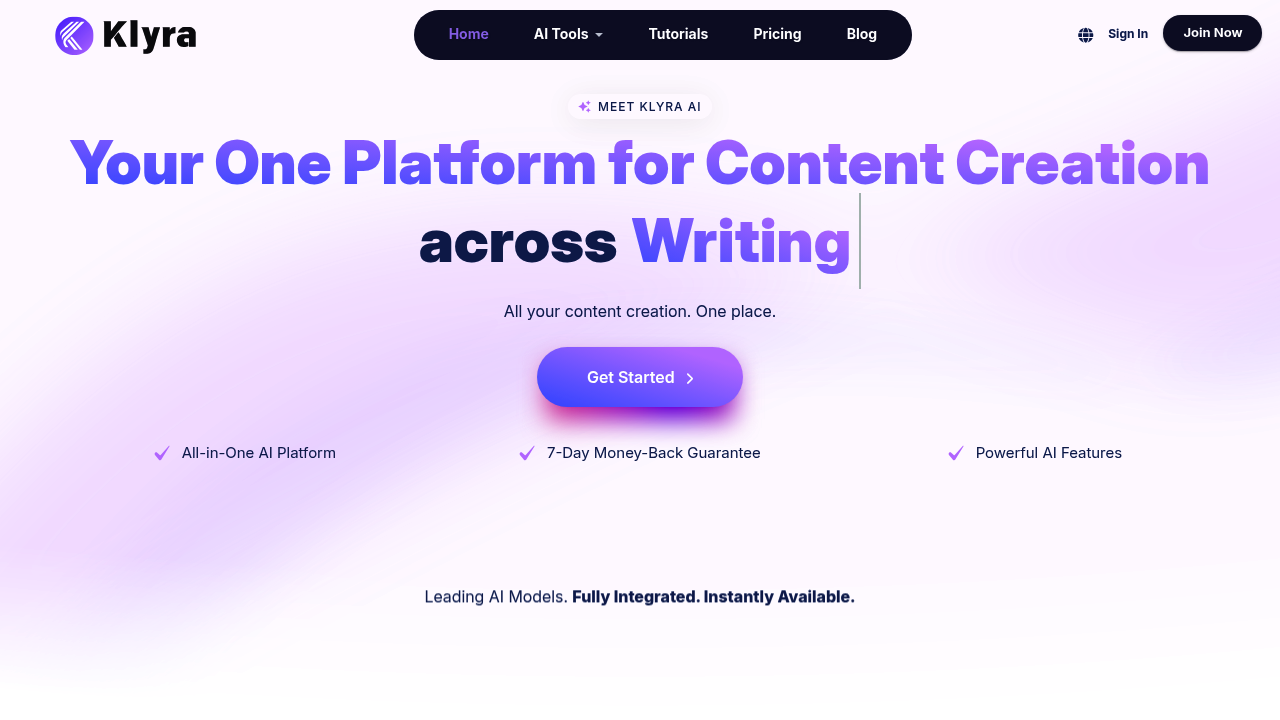
You land on Klyra AI and face a sprawling dashboard of content creation tools that span writing, video, voice, and music generation. It tries to handle everything in one place rather than forcing you to jump between separate apps for different content types.
Starting with video generation, you can feed in text prompts, scripts, or existing images and watch it convert them into videos. The system includes AI avatars that can present your content, plus voice cloning if you want consistent narration without recording every time. You can also flip the process and use transcription to pull text from existing videos.
The writing side throws dozens of templates at you. there is everything from clickbait title generators and ad headlines to full article writers and blog section expanders. you will find niche tools like pros and cons analyzers, startup name generators, and even privacy policy creators. Some feel truly useful while others seem like filler to boost the feature count.
The workflow assumes you're juggling multiple content formats. Create a blog post, then convert sections into video scripts, then generate voiceovers and background music without switching platforms. That's the pitch anyway.
Where things get murky is figuring out which feature does what you actually need. The interface presents so many options that you spend time hunting rather than creating. The sheer number of templates can overwhelm instead of simplify.
Klyra targets creators working on marketing campaigns, YouTube channels, educational content, and social media. Teams can collaborate within the system. The company offers a seven-day money-back guarantee, though you'll need to visit their site to see what you're actually paying for that access.