
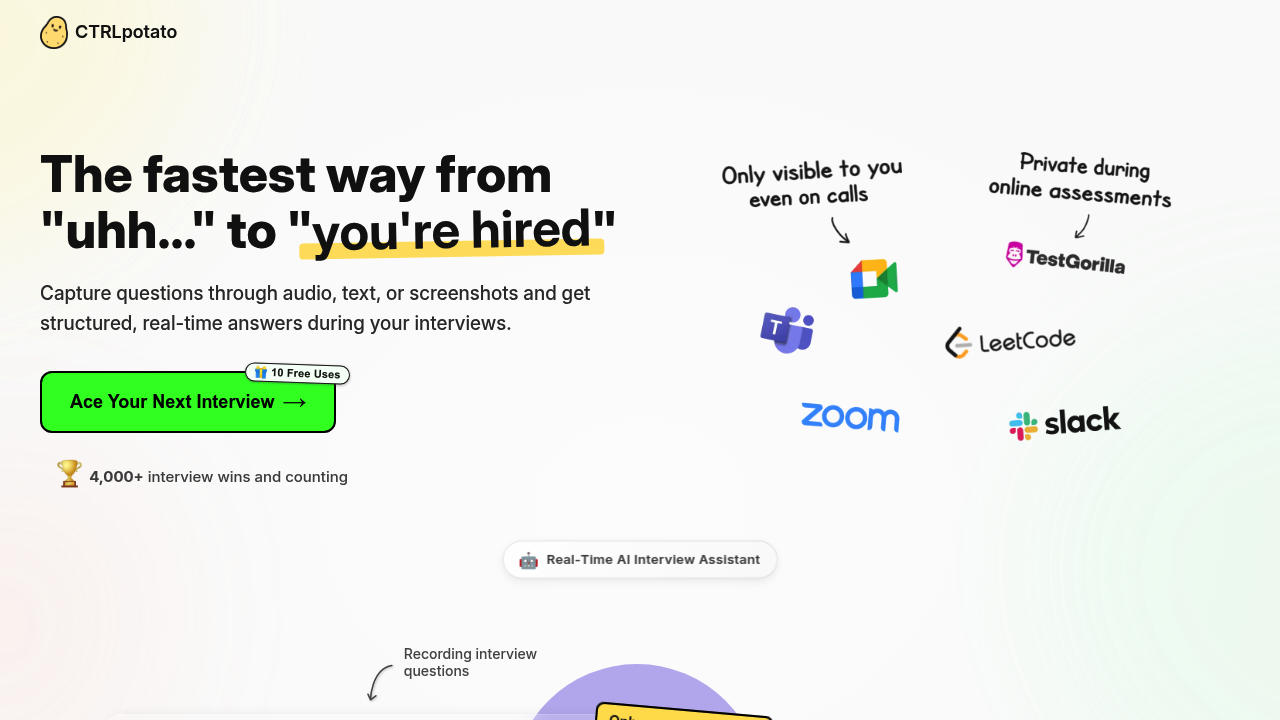
You're mid-interview when the question appears. CTRLpotato grabs it through your microphone, a screenshot, or highlighted text and fires back a structured answer in about two seconds. First you get a hint. Then the full response. All of this happens in a workspace window that stays invisible during screen sharing.
The mobile mirroring is notable. Scan a QR code and your phone becomes a second screen showing all the answers while your desktop stays clean. You can even control the whole thing from your phone — trigger screenshots, send follow-up questions, switch between AI models. Useful during video calls where you're sharing your screen but need information flowing in.
It handles live coding rounds by formatting code in whatever language you specify. Upload your resume or other documents and it tailors answers to your background instead of generic responses. The context buffer remembers earlier parts of multi-question scenarios. Keyboard shortcuts let you capture screen areas without fumbling through menus.
CTRLpotato runs invisible in Task Manager and Activity Monitor. Whether that is clever or concerning depends on your interview ethics. The creators mention over 4,000 interview wins and 200+ thank-you messages in three months, but they also note you should only use this where external tools are allowed. That's vague guidance for something built to be undetectable.
Does it actually work? Two-second response times sound fast enough to stay natural in conversation. The two-stage answer system — hint then detail — gives you control over how much help you take. But audio transcription quality isn't specified. Neither is accuracy when questions get technical or domain-specific. Switching between multiple AI models suggests it pulls from different providers, though which ones are not listed.
The free version includes 10 uses. That's enough to test it before a real interview but not enough for extended practice sessions or multiple job searches. No paid pricing appears anywhere, so you can't plan beyond those initial tries.
This works for anyone grinding through technical interviews or assessment platforms. Remote workers doing screen-shared rounds get the most from mobile mirroring. New grads facing algorithmic questions might find the code formatting helpful. But anyone in fields where interview assistance crosses ethical lines should think hard before installing something specifically built to stay hidden.
The context-aware answers from uploaded documents separate this from just Googling mid-call. Still, 10 free uses feels like a trial period without the follow-up pricing transparency.