
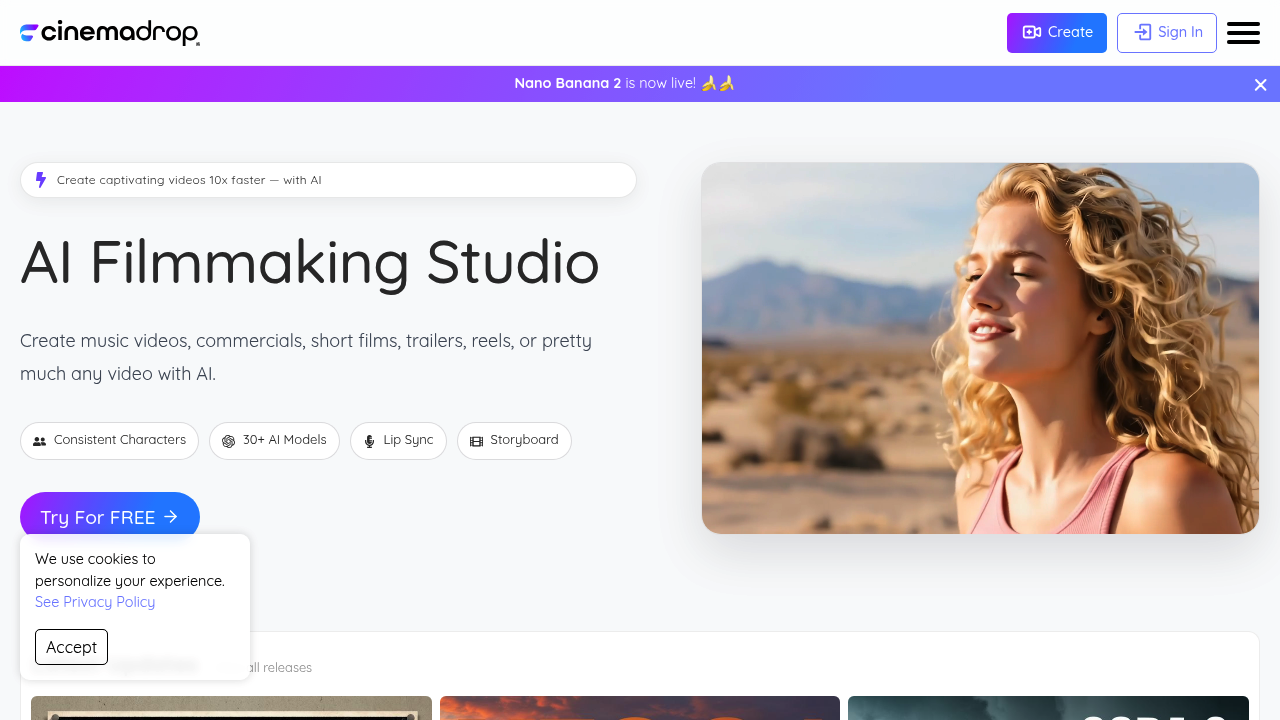
Filmmakers and content creators get an AI-powered production studio that compresses weeks of video work into days. CinemaDrop handles the full spectrum from script development through final export, targeting anyone producing music videos, commercials, short films, trailers, social reels, advertisements, explainers, and viral clips.
CinemaDrop's standout capability centers on character and scene consistency through a tagging system. Users tag characters, locations, and props once, then reference those tags across multiple shots to maintain visual continuity. This addresses one of AI video generation's biggest pain points where characters morph between scenes or locations shift unpredictably. The system extends beyond characters to preserve lighting, setting, and mood across an entire project.
Access to 30+ AI models through a single storyboard interface distinguishes CinemaDrop from tools locked to one generation engine. The roster includes Google Veo 3.1, Sora 2 Pro, Nano Banana Pro, Seedream 4.0 and 4.5, Seedance 1.0 Pro, Kling 2.5 and 2.6 Pro with Avatar support, Infinite Talk, VEED Fabric 1.0, Runway Aleph, WAN 2.5, OmniHuman, Hailuo 2.3, Flux and Flux 2, Imagen 4, GPT 1.5, and Z-Image. Users switch between models per shot based on what each handles best.
Storyboarding works through drag and drop editing with unlimited boards supported. Each storyboard accommodates up to 100 scenes, with each scene holding up to 50 shots. Users can attach notes to individual shots for collaboration or revision tracking. The script-to-storyboard feature converts written scripts directly into visual sequences, while the scriptwriting tools progress from initial ideas through concepts and outlines to finished scripts. Elements generated from scripts can be tagged and reused throughout the project.
Style flexibility spans 65+ options including Pixar, Cinematic, Horror, Cartoon, Studio Ghibli, Classic Disney, South Park, Anime, Simpsons, Comic Book, Claymation, and DreamWorks aesthetics. Text-based editing applies to both video and images, letting users modify content through written instructions rather than manual adjustments.
Audio capabilities bundle text-to-speech with 50+ AI voices, speech-to-speech conversion, text-to-SFX for sound effects, and AI music generation. Lip sync functionality pairs with these voice options to match character mouth movements to audio tracks. Video and image upscaling uses Topaz Labs integration for resolution enhancement. Start and end frame control gives precise boundaries for video generation.
The free Lite plan provides 50 credits with full storyboard features, consistent characters, script-to-storyboard conversion, all 65+ image styles, image editing, text-to-image and image-to-image generation, the complete voice library, text-to-speech, text-to-SFX, unlimited storyboards and elements. Personal use only — commercial work requires paid tiers.
Basic costs $8 monthly for 700 credits, adding faster generation speeds, image upscaling, lip sync, video upscaling, watermark removal, commercial licensing, and access to premium models like Veo 3.1, Sora 2 Pro, and Kling 2.6 Pro. Plus at $19 monthly delivers 1,800 credits with AI music generation and speech-to-speech. Pro runs $39 monthly for 4,000 credits with all features. Max provides 30,000 credits monthly at $249. Enterprise offers custom pricing for high-volume production needs.
The credit system means usage scales with plan tier. Shot limits cap at 50 per scene and 100 scenes per storyboard regardless of plan. Lite users cannot monetize their work. CinemaDrop claims 10x faster video creation compared to traditional workflows, though this depends heavily on project complexity and revision cycles.