
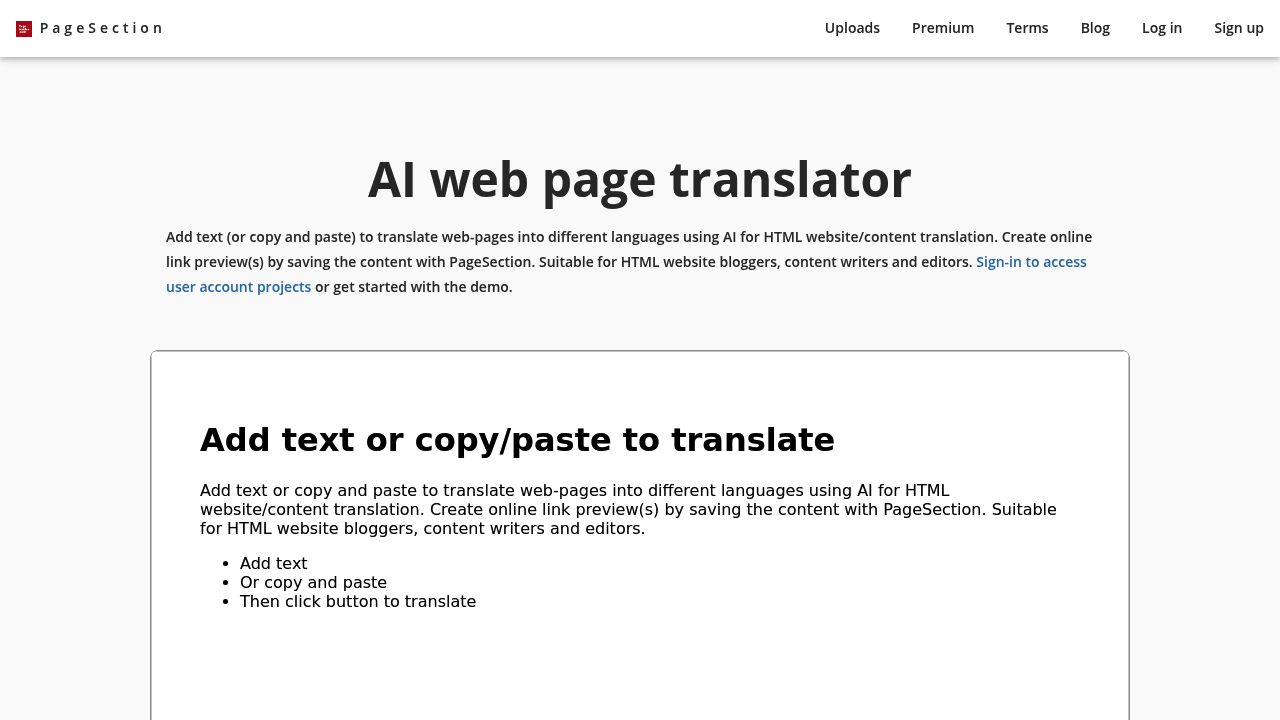
This tool translates HTML web pages using AI and lets you edit them in a visual editor. You paste in content from Word docs or PDFs, upload entire HTML projects as zip files, or just type directly. The translation engine handles 30-plus languages from Arabic to Ukrainian while trying to fix grammar and syntax automatically. Once translated, you get a WYSIWYG editor to tweak everything without touching code.
Does it actually work well? The formatting preservation sounds solid when you're copying from different document types. That matters if you're moving styled content around. The zip file upload feature means you can translate a whole site structure at once instead of page by page. You can save projects and generate shareable preview links, then export everything when you're done. Google sign-in handles authentication, which is standard but convenient.
The weak spots show up fast on the free tier. You get exactly two uploads with save limitations and temporary preview links. That's pretty restrictive. One gigabyte of storage sounds decent until you realize premium users get 100GB. If you're testing this out, two uploads might be enough to decide. But if you need this regularly, you'll hit the limit immediately.
The language coverage is respectable. Thirty languages covers most common translation needs for business content. But there's no API access mentioned, which limits automation possibilities. No browser extension either, so you're working entirely in their web interface. No mobile app. You're tied to the desktop experience.
Pricing splits into three tiers plus custom. Premium costs twenty dollars monthly and removes all the free plan restrictions. Unlimited uploads, unlimited preview links, priority support, and that 100GB storage bump. Student pricing drops to ten bucks monthly, which is half off for anyone who qualifies. Custom pricing exists for larger organizations but requires contacting them directly. They mention one-time payment and annual non-subscription options, plus a 60-day refund policy if you're unhappy. That's more flexible than most subscription-only tools.
The value proposition depends on your volume. If you translate web content occasionally, the free tier might stretch far enough. Two uploads could cover sporadic projects. For regular translation work, twenty dollars monthly seems reasonable compared to hiring translators or using per-word services. The student discount actually matters for that audience.
This targets HTML bloggers, content writers, and creative teams who need translated web content fast. Students working on multilingual projects. Organizations managing content in multiple languages. The template collection adds ready-made starting points, which speeds things up.
The biggest gap is team collaboration features. Nothing about user permissions, shared workspaces, or version control. Premium gives you unlimited projects but doesn't mention multi-user access. That limits its usefulness for agencies or larger teams where several people need to touch the same translations.
It's a straightforward tool that does what it claims without much flash. The editing capabilities set it apart from simple translate-and-export services. But the free tier restrictions mean you'll know quickly if you need to upgrade.