
AI QA Monkey logo

AI QA Monkey

You get a complete security audit of your website in 30 seconds

40 views
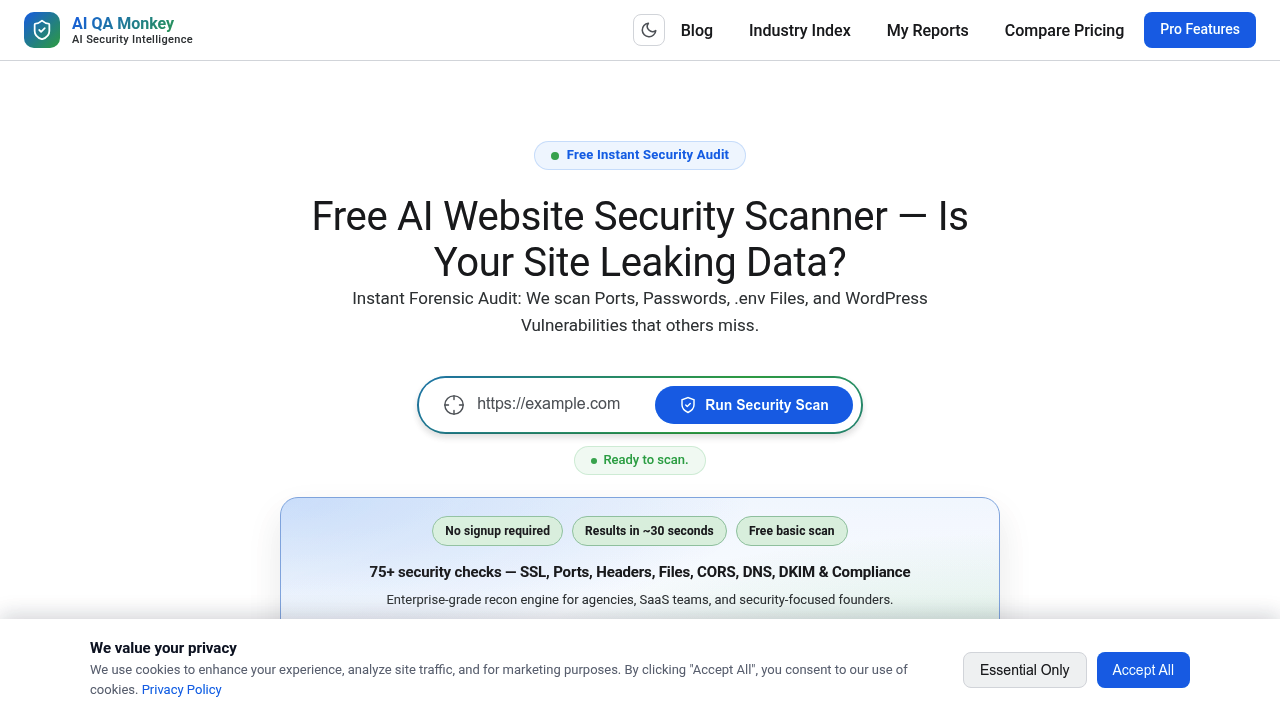
AI QA Monkey screenshot

You get a complete security audit of your website in 30 seconds. AI QA Monkey scans for 75+ vulnerabilities. It hands you a forensic report—exposed passwords, misconfigured APIs, open ports, leaked environment files all visible. SSL certificates get checked. Subdomain takeover risks get flagged. WordPress plugin exposure gets tracked.

The free scan runs without signup. It covers the full 75-check sweep. You'll see where your site fails CORS policies. Cloud storage buckets that are publicly accessible show up clearly. DNS records get tested for GDPR compliance. Results appear in an interactive dashboard (severity charts included). A visual network graph maps your attack surface. Technology fingerprinting reveals what server software you're running—CMS versions too.

Here's where it gets practical for agencies and SaaS teams. Every vulnerability includes a "Copy Fix" button and an AI-ready prompt. You paste that prompt into your coding assistant. Remediation code appears instantly. No deciphering cryptic security jargon happens here. AI QA Monkey speaks to AI tools directly.

The free version stops at detection. Full remediation requires an upgrade—that's the gap. You see the problems. You'll need to pay for deeper fixes beyond the AI prompts.

WordPress sites get extra attention. Username enumeration checks run automatically. The scanner detects xmlrpc.php exposure. It hunts for sensitive file leaks like .env and .git directories that expose API keys. Blacklists get monitored. DKIM records get checked. Export options let IT teams pull data into JSON or CSV for their own workflows.


Frequently asked

7 questions
How long does an AI QA Monkey security scan take?
You'll get your full security report in about 30 seconds. The scanner runs 75+ checks on your website and displays results immediately—no waiting around. The free scan doesn't even require signup, so you can test any site right away.
Is AI QA Monkey free?
Yes, the basic scan is completely free with no signup needed. You get the full 75+ security checks and see all vulnerabilities in about 30 seconds. The limitation is that you'll need to upgrade if you want full remediation beyond the AI fix prompts and copy-paste solutions.
What security vulnerabilities does AI QA Monkey detect?
It scans for 75+ issues including exposed passwords, leaked .env files, open ports (FTP, SSH, MySQL), SSL certificate problems, CORS misconfigurations, WordPress vulnerabilities, subdomain takeover risks, and publicly accessible cloud storage buckets. You also get DNS checks, GDPR compliance testing, and technology fingerprinting of your server software.
Can I use AI QA Monkey to scan WordPress sites?
Absolutely—WordPress sites get specialized attention. The scanner checks for username enumeration, exposed plugins, xmlrpc.php vulnerabilities, and common WordPress security holes. It's particularly useful for agencies managing multiple WordPress clients who need quick security audits.
How do the AI fix prompts work?
Every vulnerability you find includes a 'Copy Fix' button and an 'AI Fix Prompt' that you can paste directly into ChatGPT, Cursor, or Claude. Your AI coding assistant then generates the actual remediation code for you. It's faster than deciphering security reports yourself.
What's the catch with the free AI QA Monkey scan?
The free version shows you all 75+ security checks and identifies every vulnerability on your site. However, you'll need to upgrade for full remediation features beyond the basic AI prompts. Think of it as getting the diagnosis for free but paying for the complete treatment.
Can I export AI QA Monkey scan results?
Yes, you can export your security reports to JSON or CSV formats. This is helpful for IT teams who want to integrate the data into their own workflows or feed it into other security tools. The export includes all vulnerability details from your scan.

Reviews (0)

No reviews yet. Be the first to share your experience.

Similar tools

See all →